Is there a speech-to-speech accent converter (not text-to-speech)?
Accent Changer Team

Yes. Speech-to-speech accent converters exist — and they work differently from text-to-speech. You upload or record your own audio, pick a target accent, and the AI returns a new audio file with adjusted pronunciation. No script, no stock narrator, no typing required.
If you already have a recording, this is the category you want. TTS is for generating speech from text. Speech-to-speech is for converting speech you already spoke.
Speech-to-speech vs TTS: the core difference
| Speech-to-speech accent converter | Text-to-speech (TTS) | |
|---|---|---|
| Input | Your audio recording | Written text |
| Output | Your voice, accent adjusted | A narrator voice reading your text |
| Preserves performance | Yes — pauses, emphasis, emotion | No — new delivery from scratch |
| Requires transcript | No | Yes (the text) |
| Sounds like you | Goal | No |
The confusion comes from marketing. Many products labeled "AI voice" or "accent changer" are actually TTS with an accent dropdown — ElevenLabs and similar tools are built for that text-in, narrator-out path:
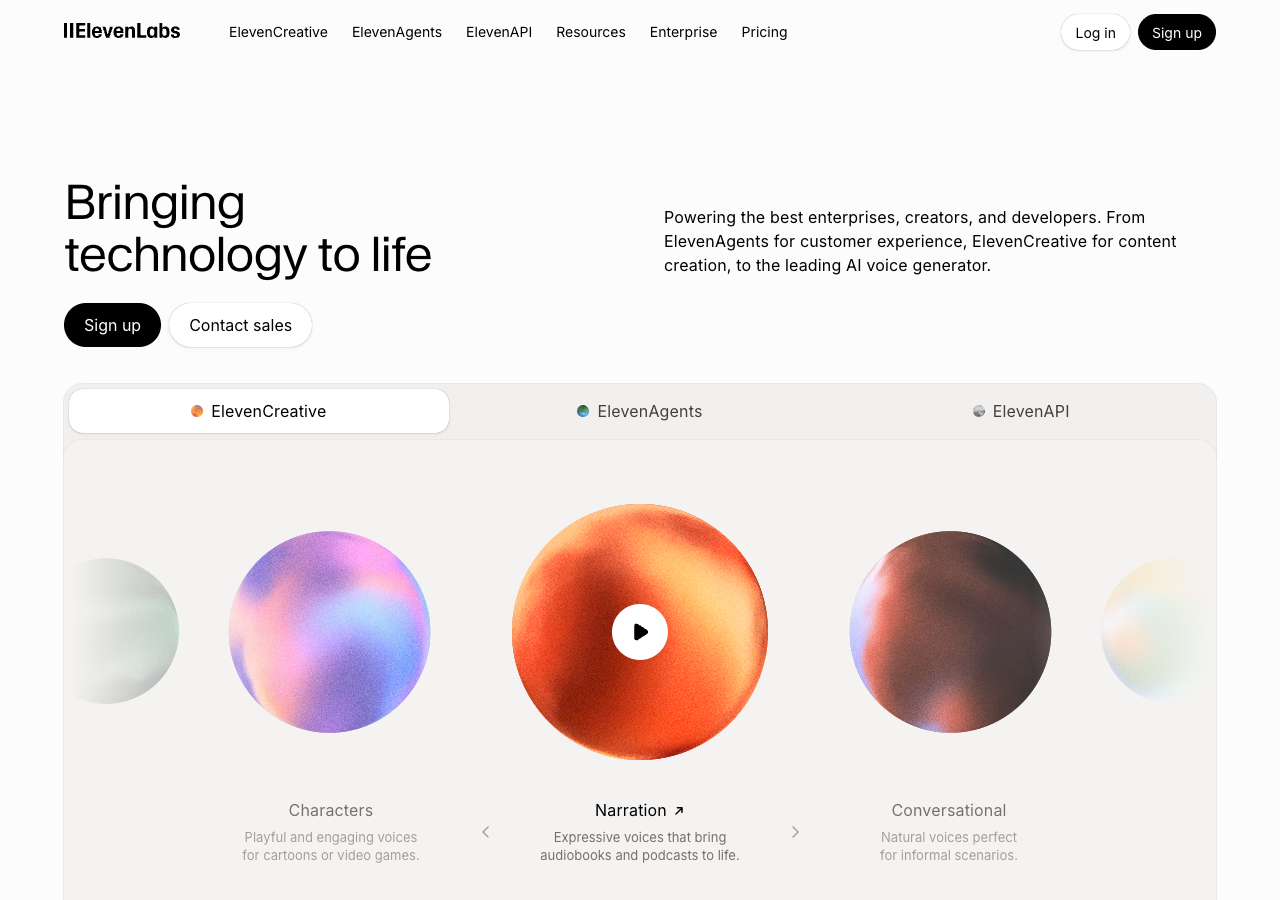
Always check the input: audio upload = speech-to-speech; text box = TTS.
How speech-to-speech accent conversion works
At a high level:
- The model analyzes your recording — phonemes, timing, prosody
- It maps pronunciation toward a target accent profile
- It resynthesizes audio that preserves your timbre and pacing
- You preview and download the result
You stay in the same language. English input with an American target still uses your original English words — only delivery changes.
For the voice-identity question, see AI accent changer that keeps your real voice.
Who needs speech-to-speech (not TTS)
- Podcasters with a finished episode to adapt — see podcast accent converter without TTS
- YouTubers with a voiceover already in the edit
- Course creators with one recording to localize for accent, not language
- Professionals polishing a pitch or demo without re-recording
- Anyone comparing how their clip sounds with a target accent
Try accentchanger.com
accentchanger.com is a browser-based speech-to-speech accent converter:
- Upload or record audio (MP3, WAV, M4A, or video with speech)
- Choose American, British, Australian, or another English profile
- Preview the converted output
- Download MP3
No install, no transcript, no narrator library. Your audio in, accent-adjusted audio out.
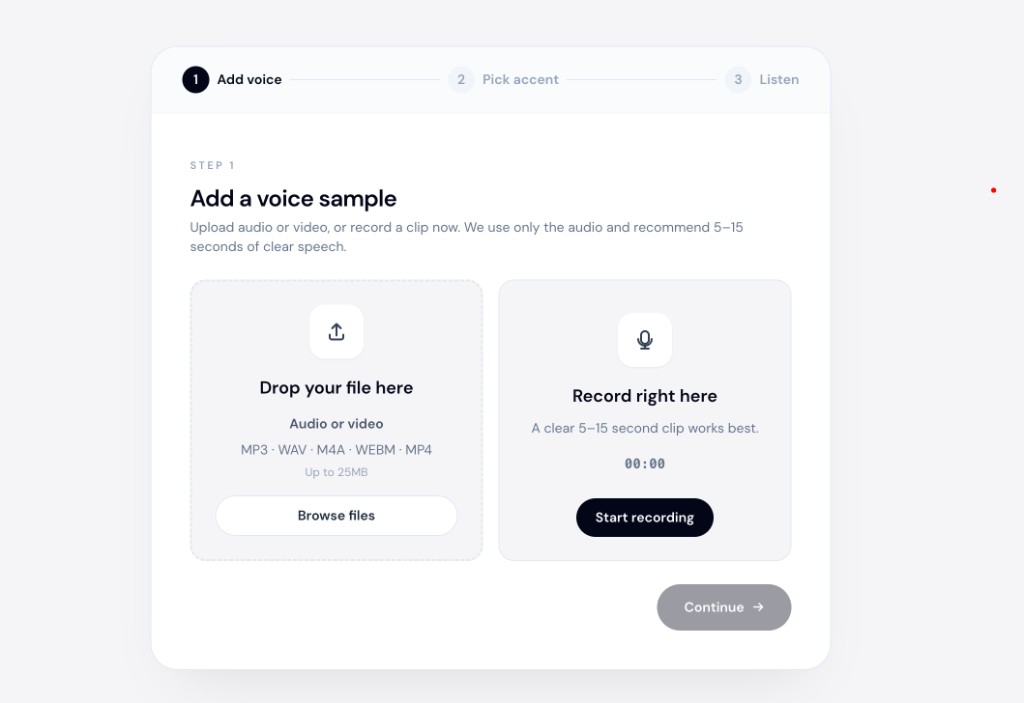
The speech accent changer landing page describes the upload-and-convert workflow.
The accent converter page covers the same idea from a different search angle.
Speech-to-speech vs voice cloning
A third category — voice cloning — creates a synthetic copy of a voice from samples. That is useful for dubbing with a specific identity, but it is not accent conversion. Accent conversion keeps your identity and shifts pronunciation. Voice cloning replicates a identity, often someone else's.
| Speech-to-speech accent converter | Voice clone | |
|---|---|---|
| Goal | Adjust your accent | Replicate a voice |
| Identity | Yours | Target sample's |
| Input | Your recording | Sample + new script |
What to check before you trust a tool
- Does it accept audio upload or only text?
- Does the output still sound like the same speaker?
- Is timing preserved (same duration as input)?
- Can you preview before paying or downloading?
- Is it same-language conversion, not translation?
For a free starting point on recordings you already have, try the best free online accent changer for audio recordings workflow.
Bottom line
Speech-to-speech accent converters take your recording and adjust pronunciation — no TTS involved. If you have audio already, skip the text box and use accent conversion instead.
Upload a short clip at accentchanger.com to hear the difference. For how accent conversion differs from identity replacement, see accent changer vs voice changer.