Multi-format input
Convert from common audio and video containers.

Accent converter
Convert spoken audio into clearer native accents for videos, lessons, demos, and presentations — same language, same identity.
Accents
13+
Formats
Audio & video
Typical time
30–90s
How it works
Upload or record, pick a target accent profile, preview the converted speech, download MP3.
Supply the audio you want to convert — upload or record.
Choose the accent profile the converter should apply.
Preview converted speech and export MP3.
Upload audio or video, or record a clip now. We use only the audio and recommend 5–15 seconds of clear speech.
Audio or video
MP3 · WAV · M4A · WEBM · MP4
Up to 1GB
A clear 5–15 second clip works best.
Built for voice identity
Takes spoken input, applies an accent profile, returns MP3 with transcript visibility along the way.
Convert from common audio and video containers.
Conversion aims to keep the original speaker's character.
Point conversion at British, American, or other native targets.
Transcript helps validate input before output ships.
Convert a line you record on the spot.
Accent converter changes sound — not language.
Conversion workflows
When 'convert' means reshape delivery on audio you already have.
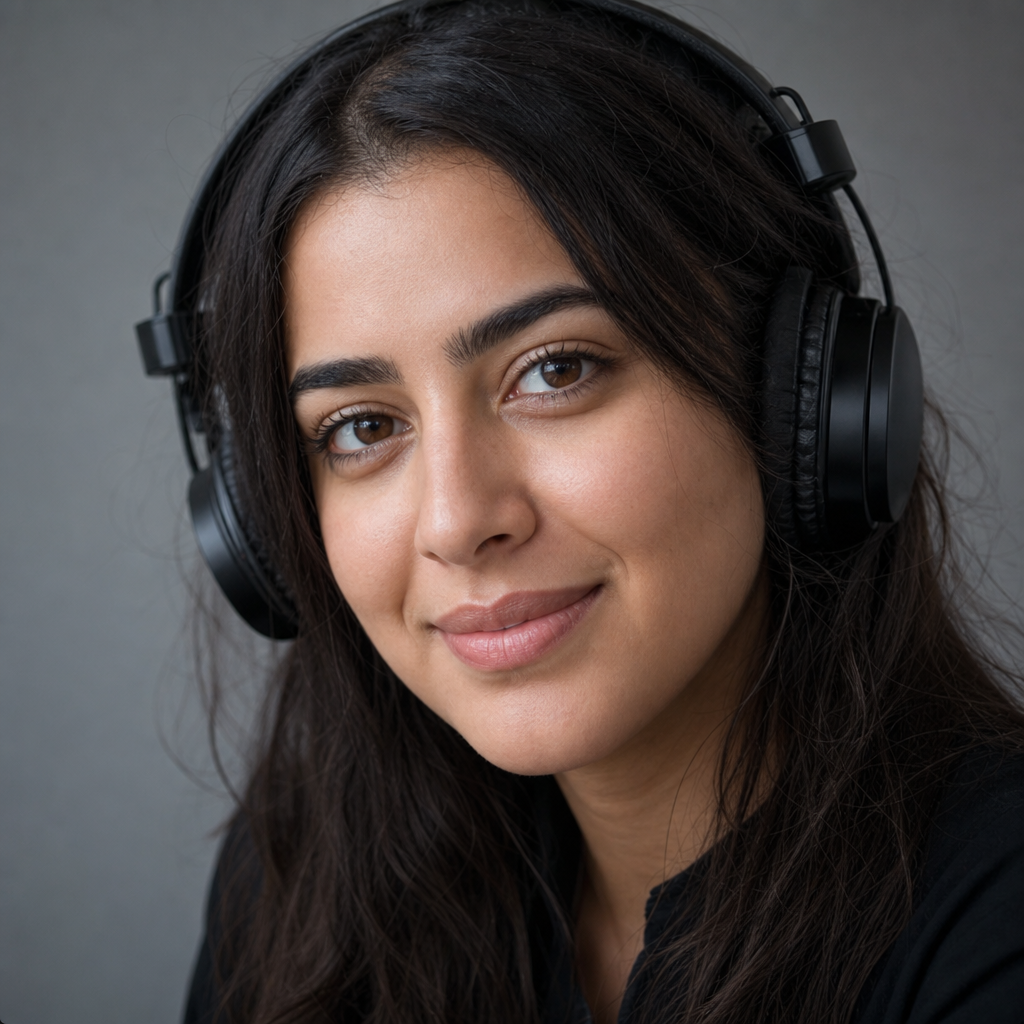
Convert lesson voiceovers to a target accent for a new market.

Adapt ad voiceovers for UK vs US without new talent.
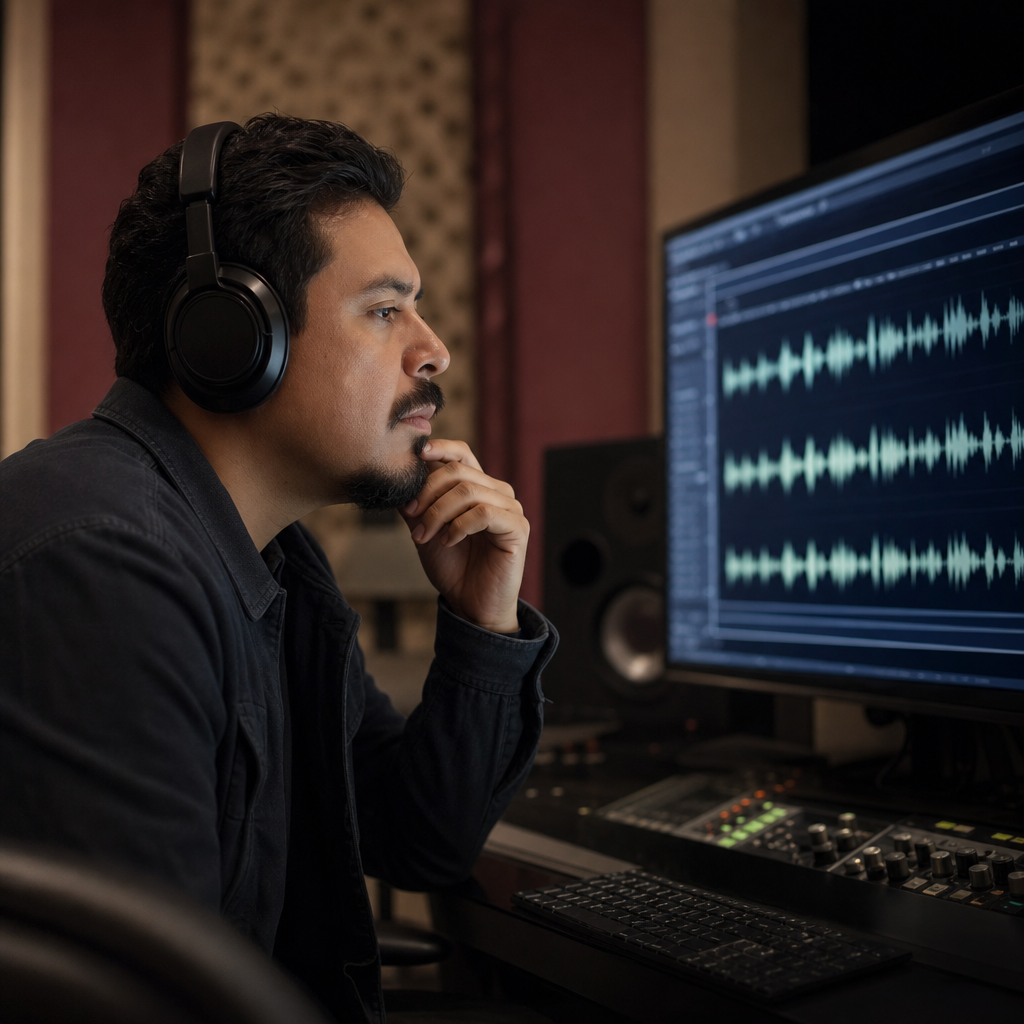
Convert help-center audio to clearer regional delivery.
Fix dialogue accent in post when pickup sessions are not an option.
Conversion
An accent converter transforms pronunciation patterns on your existing audio. The speaker on the recording should still be recognizable afterward.

Use cases
Use an accent converter when the script is right but delivery needs to match a regional listener — demos, lessons, announcements.

FAQ
An accent converter takes your spoken audio, applies a target accent profile, and exports MP3 — with transcript review before download.
The accent converter does not translate. It converts delivery within the same language you spoke.
After conversion you should still sound like the original speaker — with updated accent patterns.
Convert to American, British, Australian, Irish, Scottish, Canadian, Indian, South African English, or European variants.
The converter accepts MP3, WAV, M4A, WEBM, and video speech tracks. Short clear input improves conversion quality.
Record directly in the converter UI when you need a live line instead of a file.
Most conversions finish in 30–90 seconds for brief clips. Preview before export.
The accent converter is free to try in the browser.
Play converted audio and check the transcript before downloading from the converter.
Source audio is processed to produce the converted output. Skip sensitive content you cannot share.
Ready when you are
Convert your own recording to a native accent profile while keeping your voice identity.
Open the accent toolRelated accent tools: