Is there an AI tool that can change my accent but keep my real voice?
Accent Changer Team

Yes. The tools that actually do this are speech-to-speech accent converters — not text-to-speech narrators and not celebrity voice changers. You upload or record your own audio, pick a target accent, and the AI reshapes pronunciation while trying to keep your timbre, pacing, and emotional delivery.
That distinction matters. A lot of people search for an AI accent changer and end up in a TTS library picking "George" or "Sarah," hoping British output from an American recording. It does not work that way. The input accent usually leaks through unless the tool converts your recording.
What "keep my real voice" actually means
In practice, a good accent changer should preserve:
- Timbre — you still sound like you, not like a stock narrator
- Timing — pauses, emphasis, and rhythm from your original take
- Language — same words and meaning; only delivery changes
- Emotion — energy, warmth, or urgency should carry over
What changes is pronunciation: vowel shifts, consonant clarity, intonation patterns toward British, American, Australian, or another target profile.
If the output sounds like a completely different person reading a script, you are probably using TTS or voice cloning — not accent conversion.
Accent changer vs voice changer vs TTS
| Approach | Input | Keeps your voice? | Best for |
|---|---|---|---|
| Speech-to-speech accent conversion | Your recording | Yes (goal) | Podcasts, videos, demos |
| Text-to-speech (TTS) | Written script | No — new voice | Ads from scratch, audiobooks |
| Voice changer / clone | Your recording | Often no — new identity | Characters, parody |
TTS platforms like ElevenLabs generate high-quality narration from text — but they produce a new voice reading your script, not an accent shift on your existing recording.
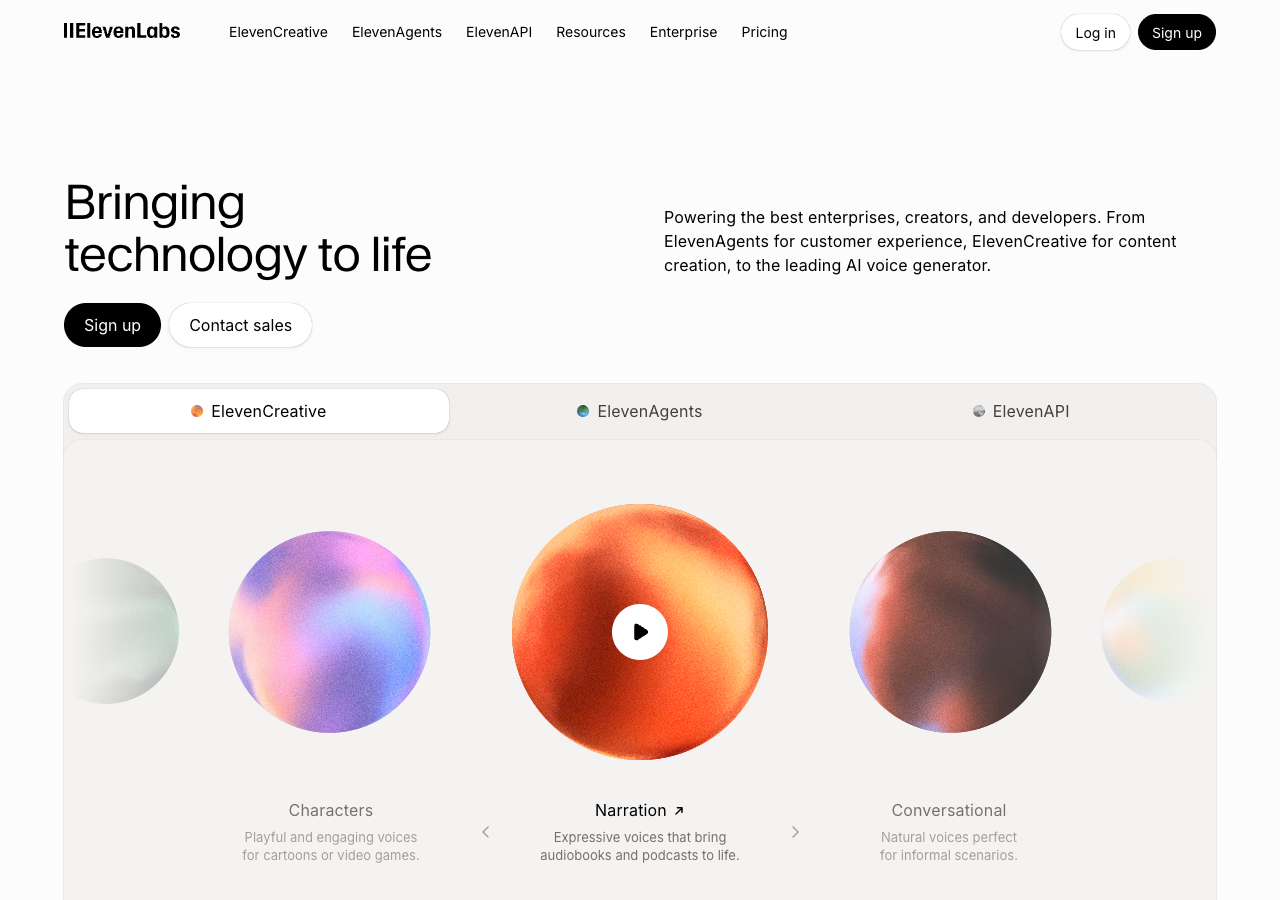
For the question "can I change accent but stay myself?", speech-to-speech is the right category. Tools marketed as voice accent changers sometimes mean TTS — read the workflow before you upload.
When this is useful
Creators and professionals use accent conversion when they already have a recording they like, but want clearer delivery for a specific audience:
- A podcast intro that should sound more neutral for US listeners
- A course lesson recorded once, adapted for a British English version
- A client demo or Upwork pitch where clarity matters more than re-recording
- Practice comparison: hear how your script could sound with a target accent
It is post-production work — you are polishing a file, not speaking through a live Zoom filter.
How to do it in practice
accentchanger.com is built for this workflow: upload or record in the browser, choose a target accent, preview, and download MP3. No install, and the focus is your audio in, accent-adjusted audio out.
Step 1: Record or upload clear audio
Use a quiet room and a decent mic if you can. Short clips (30–90 seconds) are enough to judge quality. The tool accepts common audio and video formats; for video, the speech track is what gets converted.
Step 2: Pick your target accent
American, British, Australian, and other English profiles are typical choices. You are not switching language — only how the same English sounds.
Step 3: Preview and download
Listen for naturalness and whether you still recognize yourself. If it sounds robotic or like a stranger, try a different accent strength or a cleaner source file.
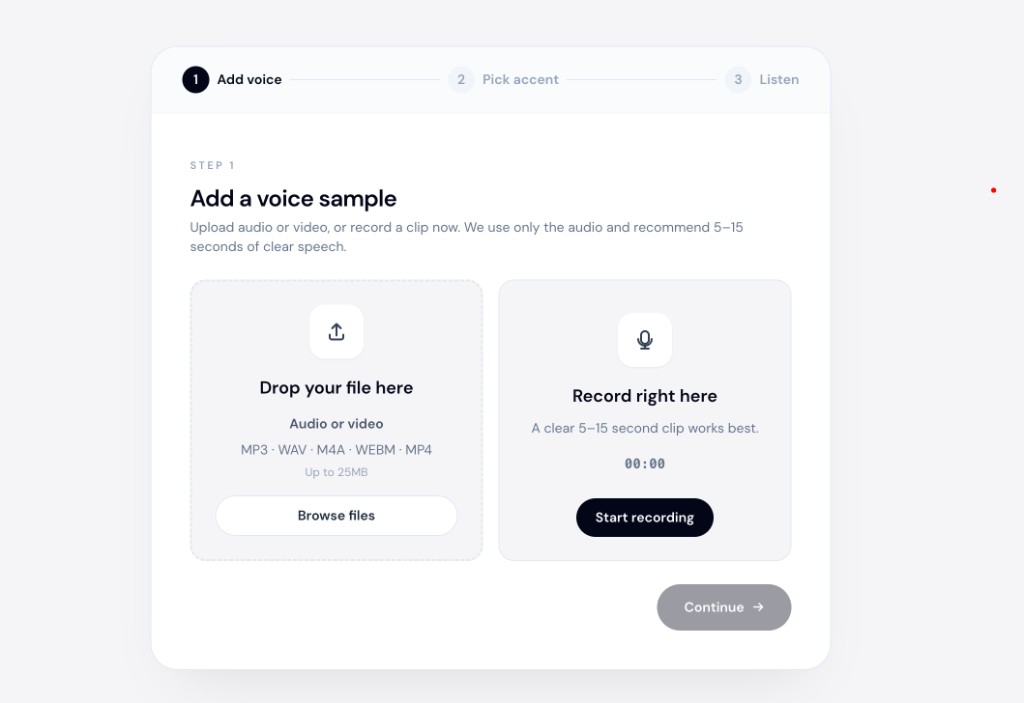
The online accent changer runs entirely in the browser at accentchanger.com — useful when you want a quick test without desktop software.
What to avoid
- Expecting live call conversion — most browser tools work on files, not real-time Zoom audio (that is a different product category).
- Using TTS when you already recorded — you will lose your performance; convert the recording instead.
- Noisy source audio — background music and room echo make any AI struggle.
Bottom line
If you need to change how your English sounds without becoming someone else, look for speech-to-speech accent conversion — not a voice library. Upload your clip, pick an accent, and check whether the result still feels like you.
For a straightforward try, open accentchanger.com, record a short sample, and compare before and after.
To go deeper on identity-preserving conversion, see change accent and keep your voice.
For the upload workflow, read the speech accent changer guide.