Speech identity
Speaker character carries through the accent shift.
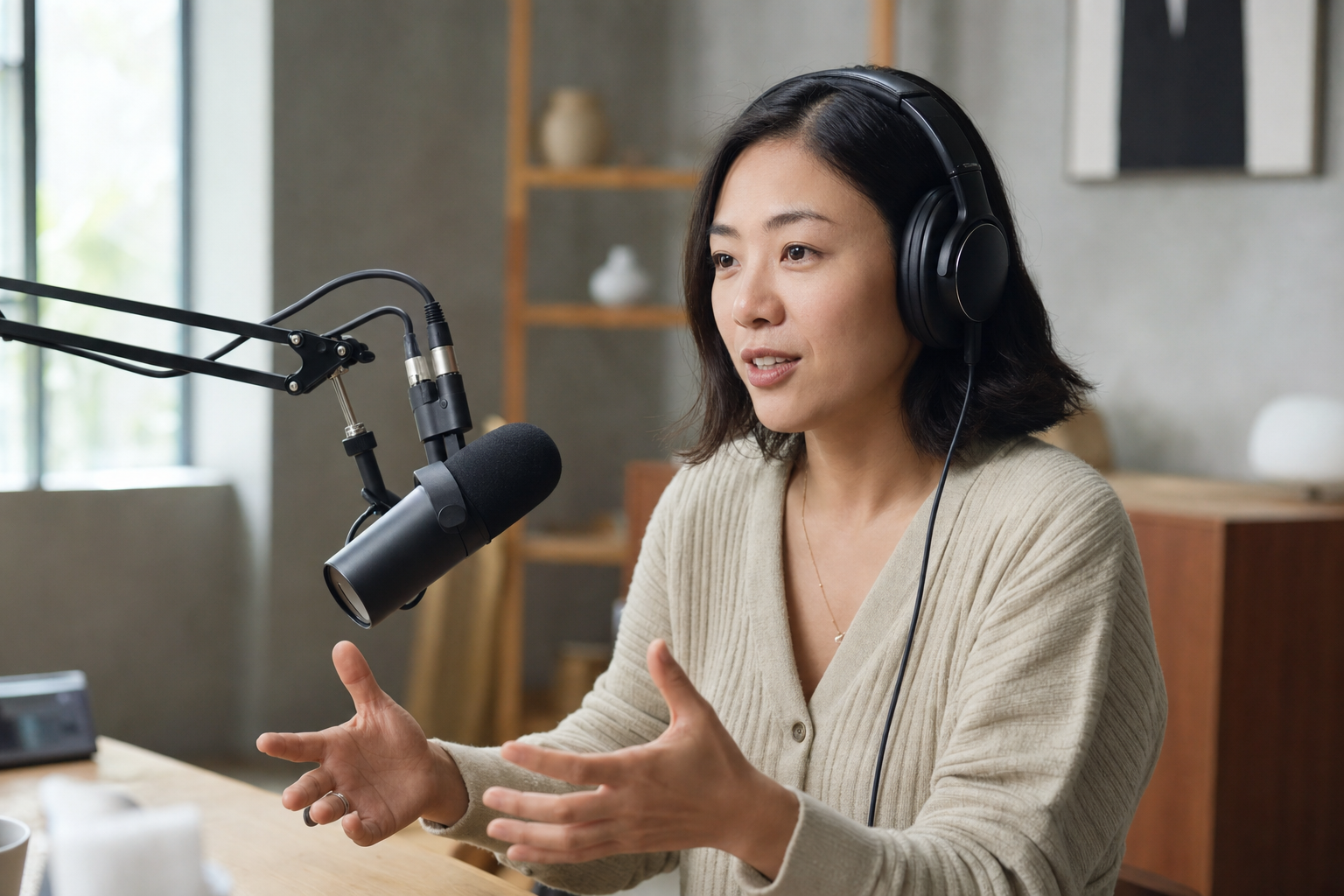
Speech accent changer
Improve pronunciation clarity for presentations, training content, and spoken communication — without changing your words.
Accents
13+
Formats
Audio & video
Typical time
30–90s
How it works
Upload or record speech, select a target accent, preview and download the converted audio.
Upload a speech recording or record a short spoken sample.
Pick the accent that best fits your speech audience.
Review the accent-changed speech and download MP3.
Upload audio or video, or record a clip now. We use only the audio and recommend 5–15 seconds of clear speech.
Audio or video
MP3 · WAV · M4A · WEBM · MP4
Up to 1GB
A clear 5–15 second clip works best.
Built for voice identity
Processes spoken audio with accent adaptation — upload, record, preview transcript, download MP3.
Speaker character carries through the accent shift.
Wording and language stay as originally spoken.
British, American, Australian, and more for spoken content.
Upload recorded talks, lessons, or calls.
Read back captured speech before accent processing finishes.
Capture a spoken sample in the browser.
Spoken content
Talks, modules, and spoken updates — adapt delivery without a new speech pass.

Make training speech easier for global teams to follow.
Adapt keynote audio for regional replay channels.

Model target accent delivery from your own lesson recordings.
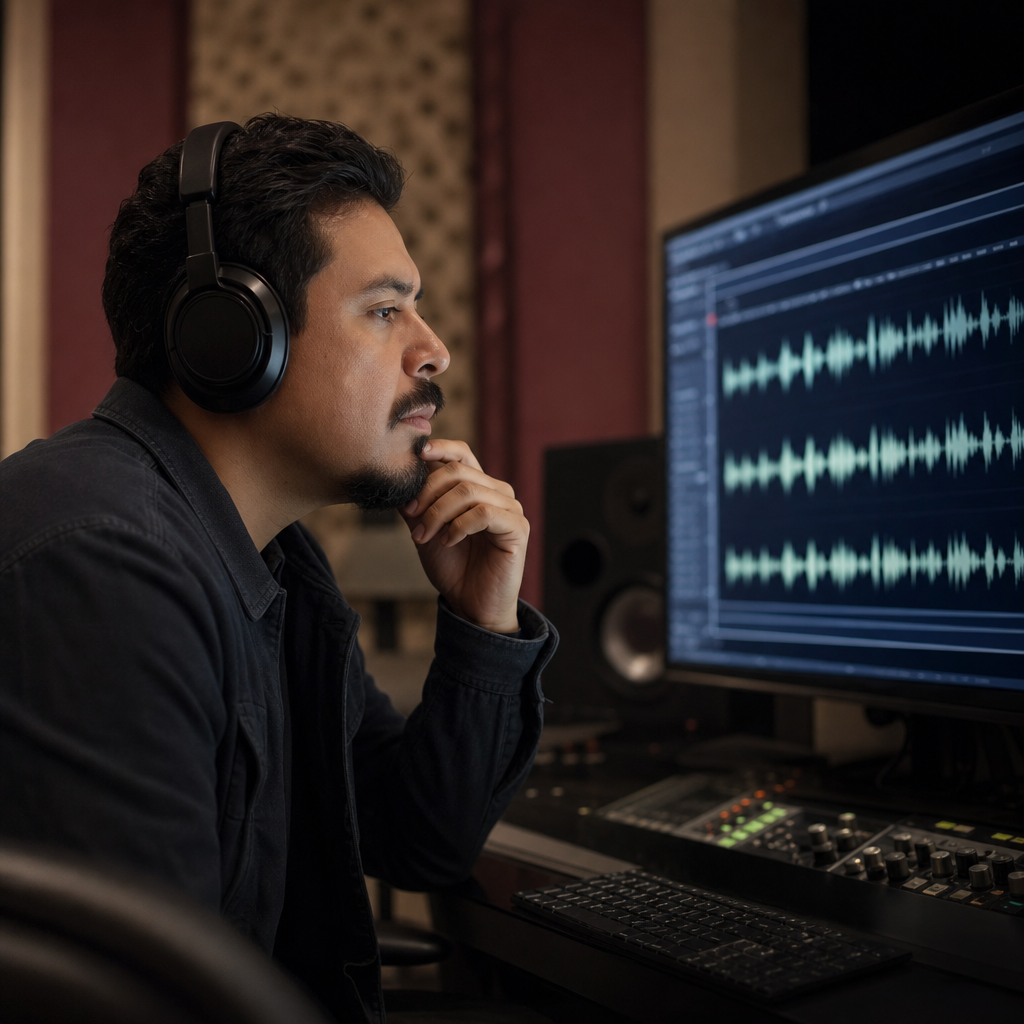
Refresh CEO updates and all-hands speech for clarity.
Spoken clarity
A speech accent changer targets how clearly spoken content lands — presentations, training, announcements — while the speaker still sounds like themselves.

Communication
When your speech is correct but hard to follow internationally, adapt accent delivery instead of rewriting the entire talk.

FAQ
The speech accent changer takes spoken content, applies a target accent profile, and returns clearer delivery MP3 — with your words and identity preserved.
Speech accent changing is not translation. Your spoken language and message stay intact.
Presenters and speakers should still sound like themselves — with pronunciation adapted for clarity.
Adapt speech toward American, British, Australian, Irish, Scottish, Canadian, Indian, South African, or European delivery.
Upload speech recordings or video with dialogue. Clear 5–15 second speech samples work best.
Record a speech sample live in the browser for accent adaptation.
Short speech clips typically process in 30–90 seconds.
Try the speech accent changer free in your browser.
Review usage rights before distributing speech-accent-changed audio in training or marketing.
Speech audio is processed for accent conversion. Avoid confidential spoken content.
Ready when you are
Add a speech sample and hear clearer native delivery while keeping your voice identity.
Open the accent toolRelated accent tools: