Identity retained
Changing accent should not erase recognizable vocal traits.

Change accent
Keep the same words and speaker identity while shifting pronunciation toward a native regional accent.
Accents
13+
Formats
Audio & video
Typical time
30–90s
How it works
Upload or record, choose your target accent, preview and download — language unchanged.
Start with audio you already have — or record a new line in the browser.
Tell the tool which accent you want to change toward.
Listen, confirm the transcript, and download the accent-changed file.
Upload audio or video, or record a clip now. We use only the audio and recommend 5–15 seconds of clear speech.
Audio or video
MP3 · WAV · M4A · WEBM · MP4
Up to 1GB
A clear 5–15 second clip works best.
Built for voice identity
Pick a profile, run conversion on your clip, and get accent-shifted audio that still sounds like you.
Changing accent should not erase recognizable vocal traits.
British, American, Australian, and more available in one flow.
Meaning stays locked to your original speech.
Upload audio or video; we process the spoken track.
Transcript shows what the system heard before accent shift.
Speak a new line and change accent in the same session.
Why change accent
From learner practice to published content — one flow to shift delivery.

Hear how your message lands with a target accent before a live talk.

Adapt the same script for UK vs US audiences without re-recording.

Practice answers with clearer pronunciation patterns.
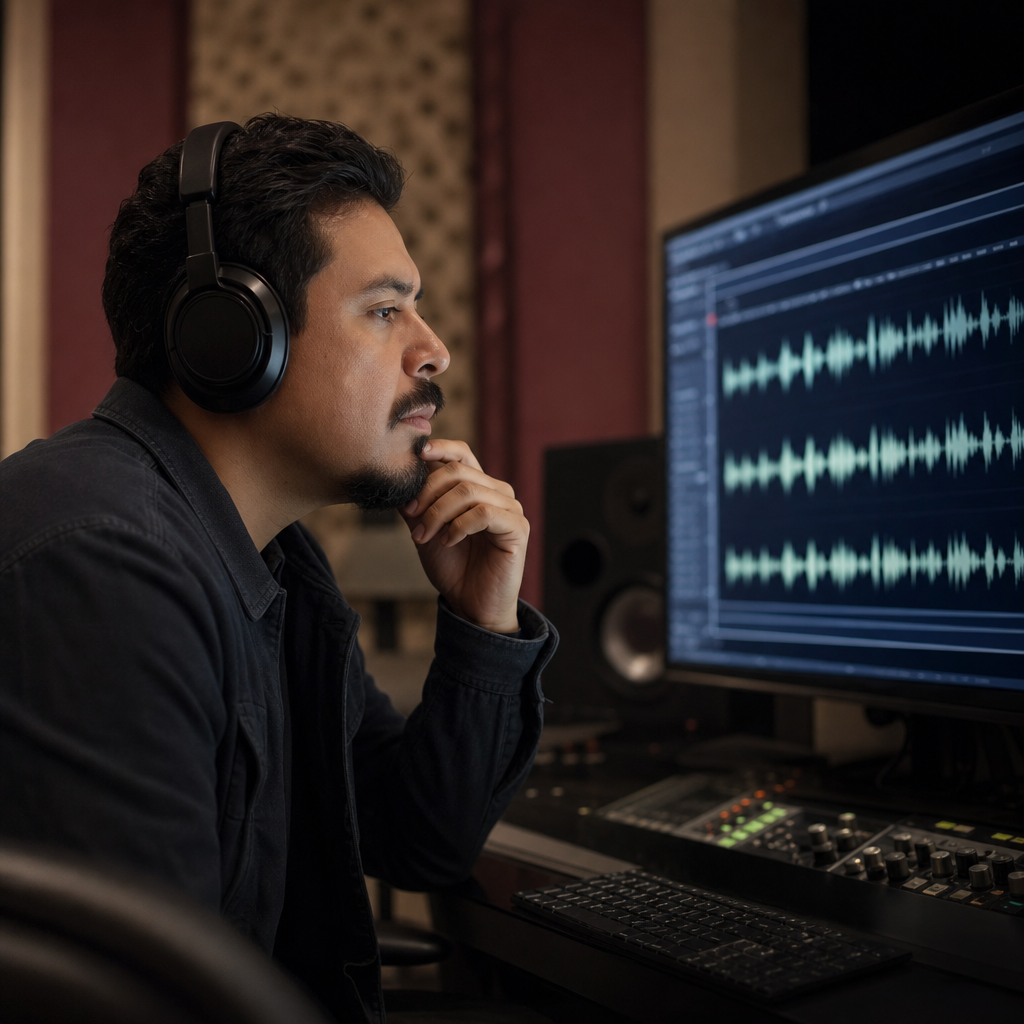
Make all-hands updates easier for global teams to parse.
Intent
When people search to change accent, they usually want clearer delivery — not a new person on the mic. This flow keeps your identity while shifting pronunciation.

Scope
Change accent on existing recordings instead of re-reading lines in a booth. Language and meaning stay tied to your original take.

FAQ
To change accent on a recording: upload or record speech, choose a target profile, preview the shift, and download MP3 — identity and language unchanged.
Changing accent does not change language. English stays English; wording stays yours.
You should still recognize yourself after the accent change — timbre and pacing are meant to carry through.
Change toward British, American, Australian, Irish, Scottish, Canadian, Indian, South African, or European delivery profiles.
Yes — change accent online in the browser without installing desktop software.
MP3, WAV, M4A, WEBM, and video speech tracks are supported when you change accent on a file.
Record a new line in-browser if you do not have a file ready to change accent on.
Changing accent on a short clip usually takes 30–90 seconds. Preview before download.
Free to try when you change accent in the browser. Usage caps may apply.
Recordings you change accent on are processed server-side. Use non-sensitive samples when testing.
Ready when you are
Upload a clip, pick a target accent, and hear the difference while keeping your voice identity.
Open the accent toolRelated accent tools: