Voice identity focus
Tuned for spoken voice — not music or SFX.

Voice accent changer
Built for voice-first content where the speaker should still sound like themselves — just with clearer native delivery.
Accents
13+
Formats
Audio & video
Typical time
30–90s
How it works
Capture a voice sample, choose accent, preview and download — optimized for spoken audio.
Add a voice recording — upload a file or capture live in the browser.
Choose the accent profile for the voice output you need.
Preview the voice accent change and download MP3.
Upload audio or video, or record a clip now. We use only the audio and recommend 5–15 seconds of clear speech.
Audio or video
MP3 · WAV · M4A · WEBM · MP4
Up to 1GB
A clear 5–15 second clip works best.
Built for voice identity
Processes voice recordings with accent adaptation, transcript review, and MP3 export.
Tuned for spoken voice — not music or SFX.
MP3, WAV, M4A, WEBM voice tracks supported.
Record a voice sample directly in the tool.
Shift voice delivery toward British, American, or other profiles.
See the words behind the voice track.
Changes how the voice sounds — not what language is spoken.
Voice content
Podcasts, audiobooks-in-progress, and spoken UX — same voice, adapted accent.
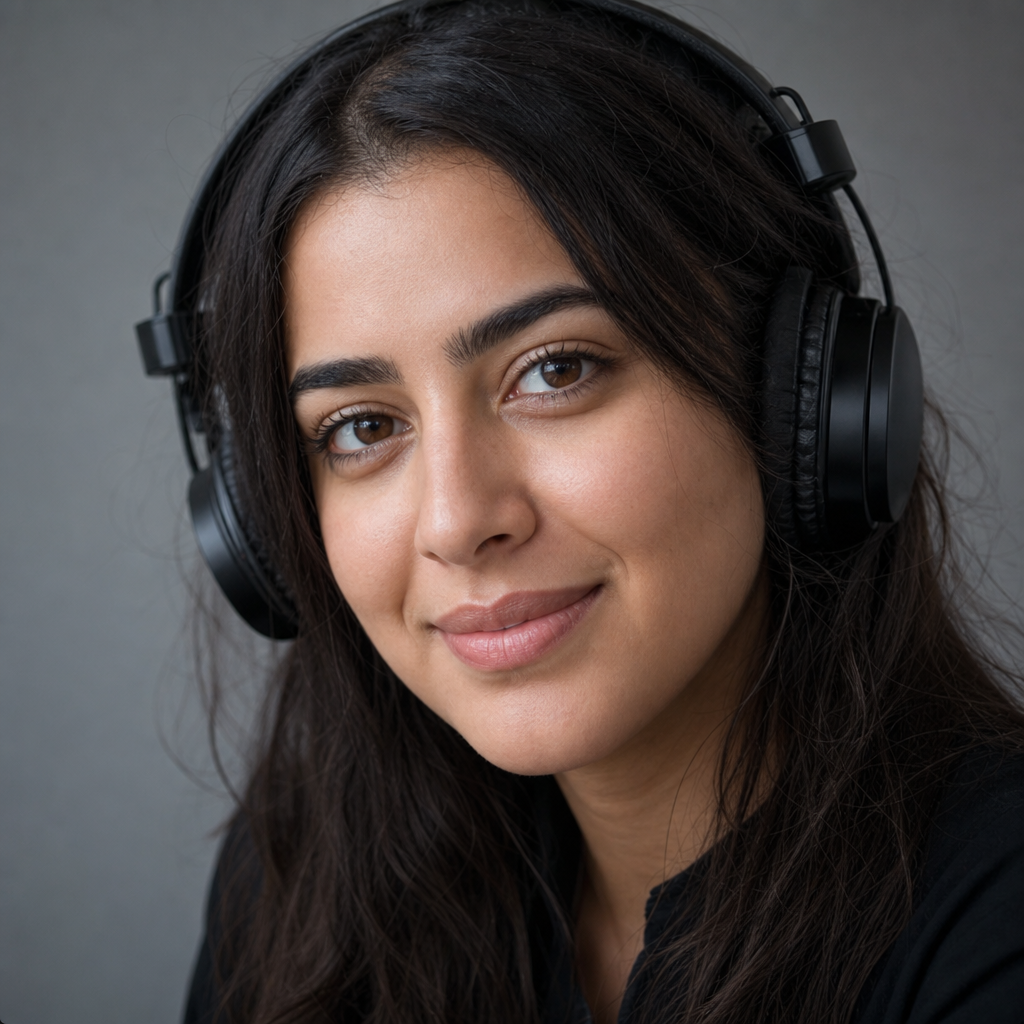
Smooth guest segments or host reads to a consistent accent profile.
Test how a passage sounds under a different accent direction.

Prototype accent variants for voice assistants and apps.
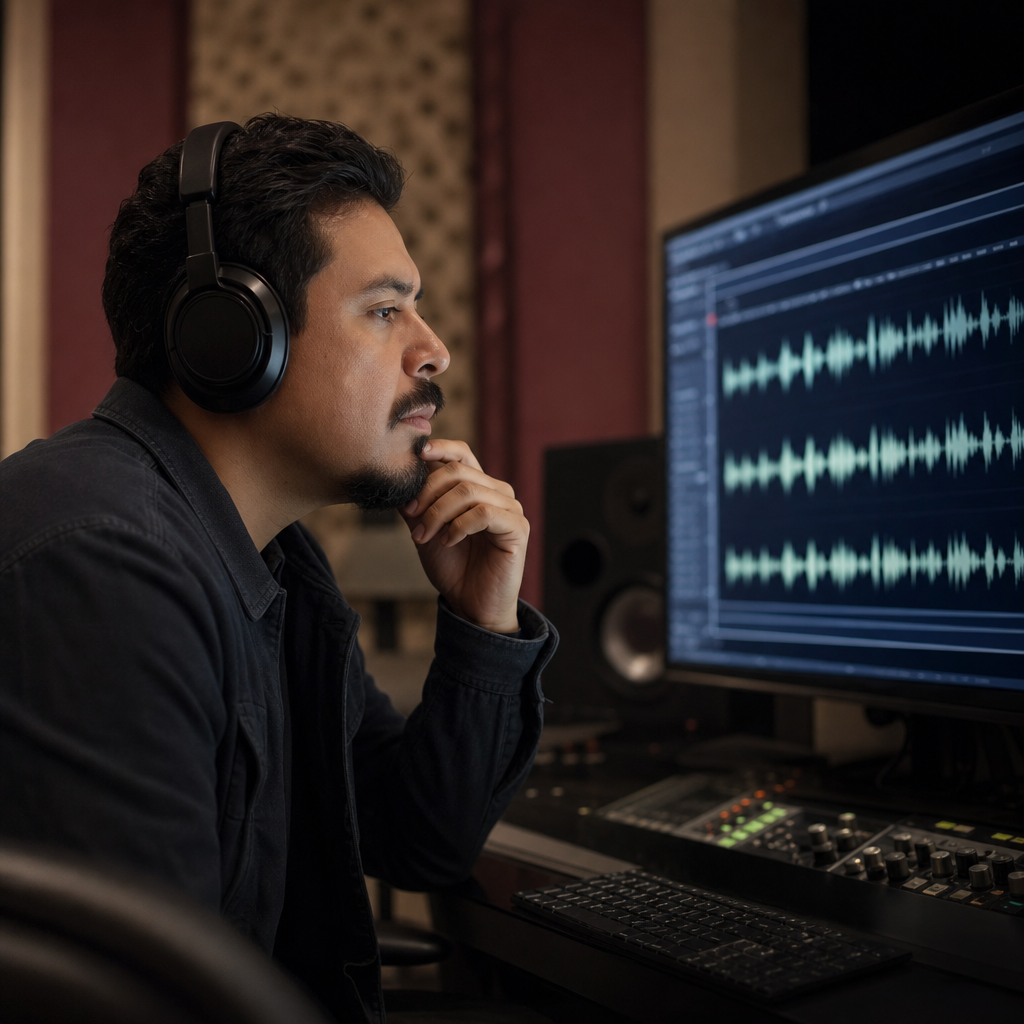
Adapt promos and liners for regional feeds from one master voice.
Voice-first
A voice accent changer should respect speaker identity on podcasts, courses, and calls. This tool adapts accent on voice recordings while keeping the person recognizable.

Content fit
Use a voice accent changer when the talent is right but listeners struggle with delivery — intros, explainers, IVR, async updates.

FAQ
The voice accent changer processes your voice recording: transcribe, model speaker traits, regenerate with target accent, preview, download MP3.
Voice accent changing does not translate. Your spoken language stays the same.
Built for voice-first content — the speaker should remain identifiable after accent adaptation.
Shift voice delivery toward American, British, Australian, Irish, Scottish, Canadian, Indian, South African, or European accents.
Voice files in MP3, WAV, M4A, WEBM, or video speech tracks work with the voice accent changer.
Capture a voice sample in-browser when you need a fresh take for accent changing.
Voice clips of a few seconds usually convert in 30–90 seconds.
Try the voice accent changer free in your browser.
Confirm rights before publishing voice-accent-changed audio in commercial projects.
Voice recordings are processed for accent adaptation. Avoid confidential voice content.
Ready when you are
Upload or record your voice and hear a native accent version that preserves your identity.
Open the accent toolRelated accent tools: