Is there an accent converter for podcasts that doesn't replace my voice with TTS?
Accent Changer Team

Yes. A speech-to-speech accent converter takes your podcast recording and reshapes pronunciation toward a target accent — without replacing your voice with text-to-speech. Your timbre, pacing, pauses, and energy stay; only how you sound to listeners changes.
That is the key distinction podcasters care about. TTS gives you a new narrator reading a transcript. Accent conversion gives you you, adjusted.
Why TTS is the wrong tool for podcasts
Podcast listeners connect with a host's voice. Swap it for a stock narrator and you lose:
- Vocal warmth and personality built over episodes
- Natural hesitations and emphasis that feel authentic
- Consistency with past episodes listeners already know
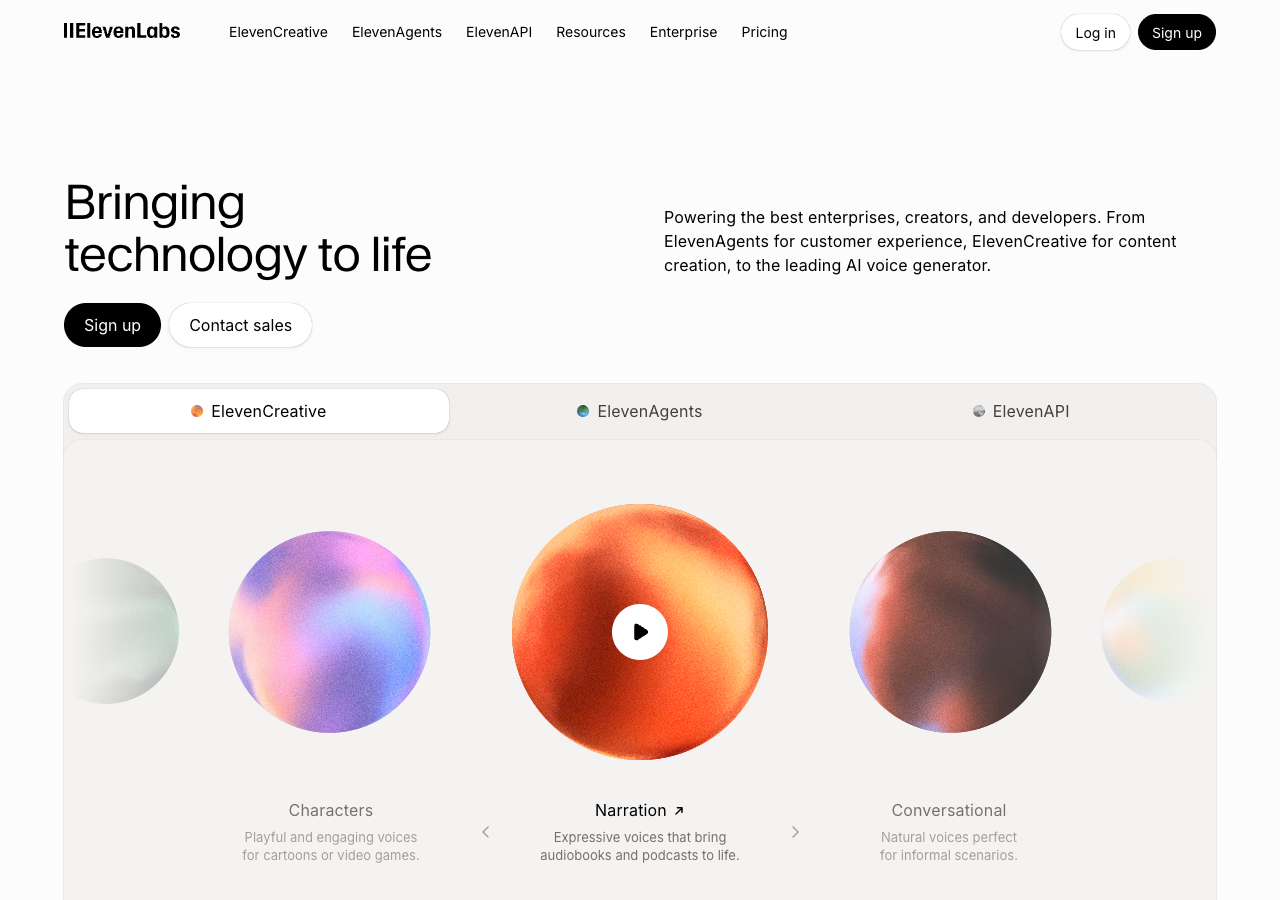
TTS makes sense for automated news briefings or ad reads from a script. Platforms like ElevenLabs excel at generating new narration from text — but that is a different job than adapting a finished episode you already recorded.
It does not make sense when you have a finished episode or intro you want to adapt for a different English-speaking audience.
What a podcast accent converter should do
A proper accent converter for audio:
- Accepts MP3, WAV, M4A, or video-with-speech uploads
- Converts your recording — no transcript required
- Preserves timing so episode length and pacing stay the same
- Outputs downloadable audio you can drop into your DAW or hosting platform
Look for "speech-to-speech" or "accent conversion" — not "AI voice generator" or "text to speech."
Podcast use cases
- Intro/outro polish — a 15-second opener adjusted for US listeners
- Guest clip adaptation — one segment re-targeted without re-booking the guest
- Repurposed content — a British episode version for an American feed
- Clarity pass — soften a strong regional accent without losing identity
For the broader question of keeping your real voice, see AI accent changer that keeps your voice.
How to convert a podcast clip
accentchanger.com is built for this: upload a clip, pick a target accent, preview, download.
Workflow
- Export a segment or full episode from your DAW (Audacity, Reaper, Hindenburg, etc.)
- Upload to accentchanger.com — start with 30–90 seconds to judge quality
- Select American, British, Australian, or another profile
- Preview — you should still recognize yourself
- Download and splice back into your episode, or use as a standalone clip
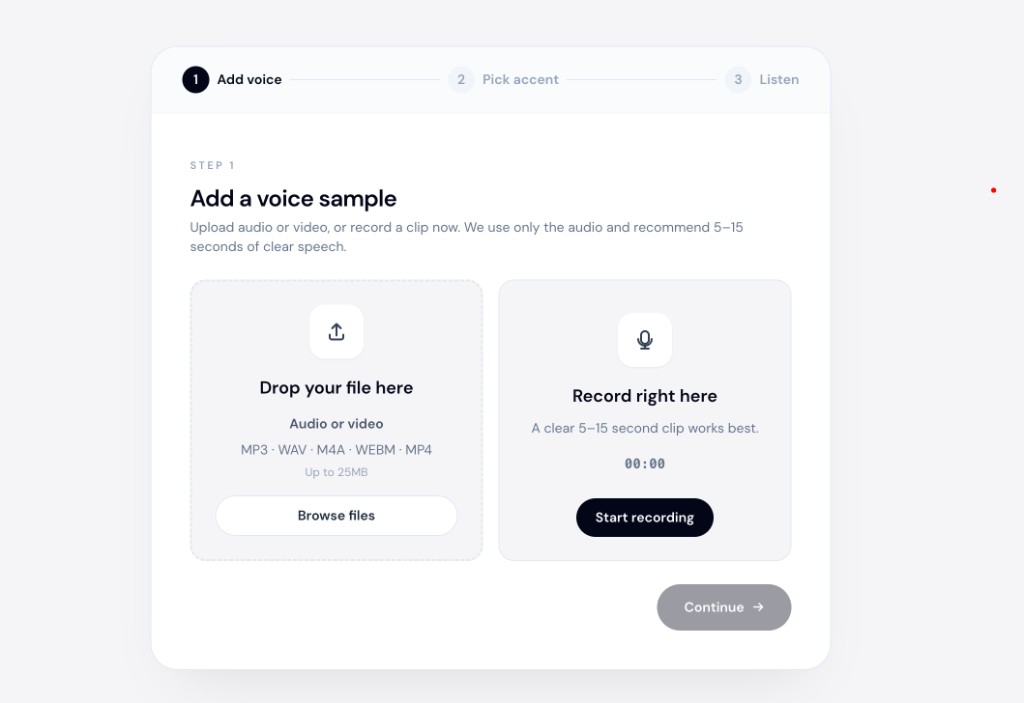
The voice accent changer category includes both TTS and speech-to-speech tools — always check whether the input is your audio or a written script.
Quality tips for podcast audio
- Record clean — noise gates and room treatment help more than any AI fix
- Avoid heavy music under speech during conversion — process the dry voice track if you can
- Test accent strength — subtle shifts often sound more natural than aggressive ones
- Compare on headphones — podcast listeners use earbuds; check there
Accent converter vs voice clone for podcasts
| Speech-to-speech accent converter | Voice clone / TTS | |
|---|---|---|
| Input | Your recording | Script or sample voice |
| Sounds like you | Yes | No — synthetic identity |
| Good for finished episodes | Yes | Only if re-scripting |
Bottom line
Podcasters who want accent adjustment without a TTS narrator should use speech-to-speech conversion. Upload your clip, pick a target accent, and confirm the output still sounds like your show.
Try a short sample at accentchanger.com.
For a deeper look at the speech-to-speech category, read speech-to-speech accent converter.
To compare free browser options, see the best free online accent changer for recordings.