Live browser capture
Record a sample when you do not have a file handy.

Online accent changer
Add audio from your device or record live in the browser, then export accent-adapted speech without installing an app.
Accents
13+
Formats
Audio & video
Typical time
30–90s
How it works
The same product workflow — entirely online, from capture to download.
Choose upload or record — both paths work in the same online accent changer.
Select the accent profile that matches your audience or learning goal.
Compare playback, review text, and download the finished MP3.
Upload audio or video, or record a clip now. We use only the audio and recommend 5–15 seconds of clear speech.
Audio or video
MP3 · WAV · M4A · WEBM · MP4
Up to 1GB
A clear 5–15 second clip works best.
Built for voice identity
Everything runs in the browser: capture, accent pick, voice modeling, transcript, and download.
Record a sample when you do not have a file handy.
Common audio formats plus video files with an audio track.
Output keeps your recognizable tone and pacing.
British, American, Australian, and more in one picker.
Confirm the system heard you clearly before export.
Language stays as spoken — only accent delivery shifts.
Who uses it online
The online accent changer fits quick iteration — test an accent, share a preview, move on.
Re-cut lesson narration with a clearer accent profile for international students.

Hear how your phrasing could sound with a target accent before a big presentation.

Record investor updates online and export a clearer American or British variant.
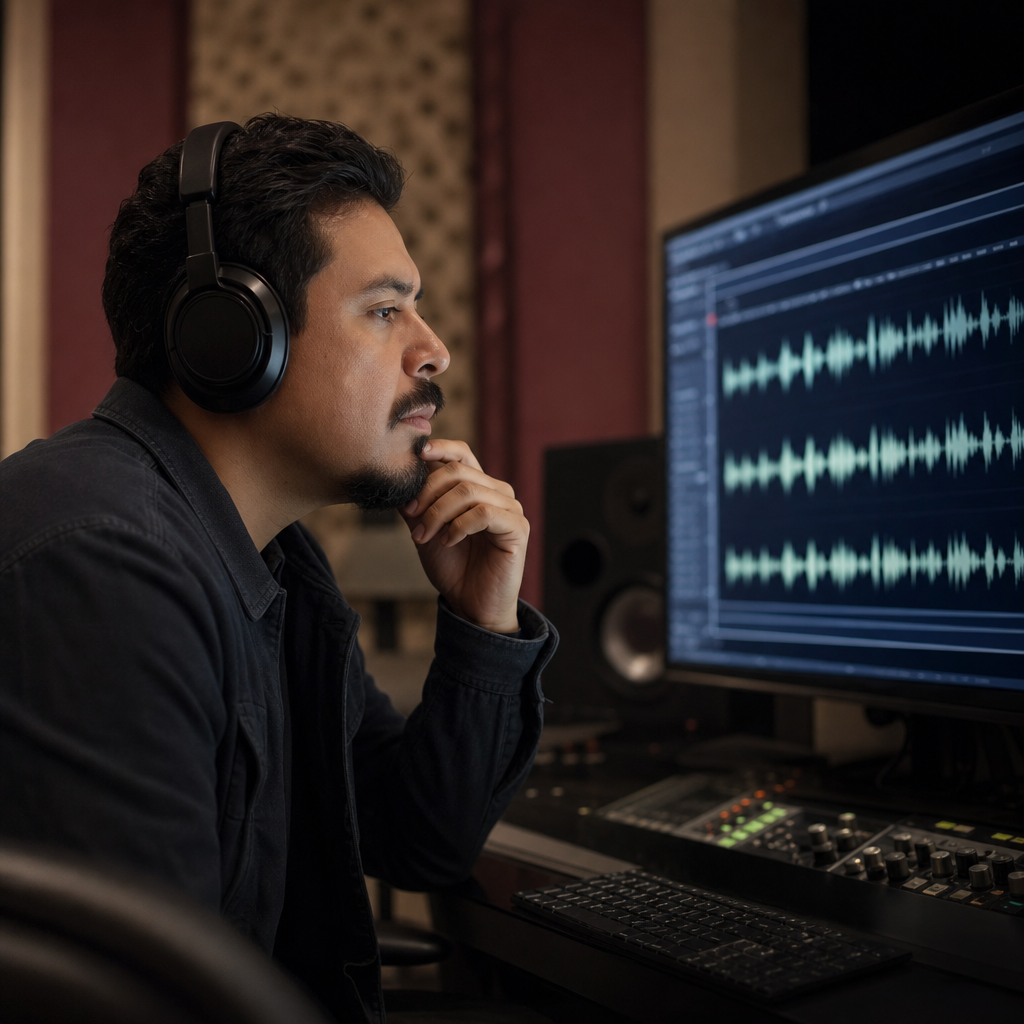
Batch-test accent options for the same script without booking studio time.
Capture anywhere
Add audio from your library or speak into the mic — the online accent changer handles both paths in one interface.

Clarity focus
Use an online accent changer when you need faster comprehension for training clips, intros, or customer-facing audio — without re-writing the script.

FAQ
An online accent changer lets you upload or record speech in the browser, choose a native accent profile, and download accent-adapted MP3 — with transcript preview along the way.
Nothing to install. The online accent changer runs in a standard modern browser on desktop or mobile.
Yes — record speech online with the built-in mic capture, then pick an accent and convert without leaving the tab.
It will not translate your speech. Language and meaning stay as spoken; the online flow only adapts accent.
Voice identity is preserved online. You should still sound like yourself — with clearer target-accent delivery.
British, American, Australian, and other native profiles are available in the online accent picker.
Common audio formats plus video files with a speech track. Shorter clear clips convert faster and more reliably online.
Most online conversions finish within 30–90 seconds for short clips. Preview is available before download.
Free to try online — no app install required. Processing limits may apply.
Speech sent through the online flow is used for conversion. Use non-confidential samples when testing.
Ready when you are
Upload or record a short clip and hear your voice with a new accent — same identity, clearer delivery.
Open the accent tool