Record without an app
Grant mic access and capture speech directly on the page.

Accent changer online
Run the full workflow in your browser: upload, record, convert, and download without desktop apps or plugins.
Accents
13+
Formats
Audio & video
Typical time
30–90s
How it works
Browser-based upload, accent selection, preview, and MP3 download — on desktop or mobile.
Open the tool in your browser and upload a file or record a short sample.
Pick the native accent you want — no software install on your machine.
Preview online, then download the converted MP3 when you're happy.
Upload audio or video, or record a clip now. We use only the audio and recommend 5–15 seconds of clear speech.
Audio or video
MP3 · WAV · M4A · WEBM · MP4
Up to 1GB
A clear 5–15 second clip works best.
Built for voice identity
Browser upload, in-tab recording, accent selection, transcript preview, and MP3 export — one connected flow.
Grant mic access and capture speech directly on the page.
Send audio or video files from desktop or mobile storage.
Online processing still models your voice — not a preset character.
Accent changes only; wording and language stay as spoken.
Switch between native profiles in the same online session.
Play results and read the transcript before downloading.
Online use cases
Quick tests, client demos, and mobile captures are easier when everything runs in the tab you already have open.
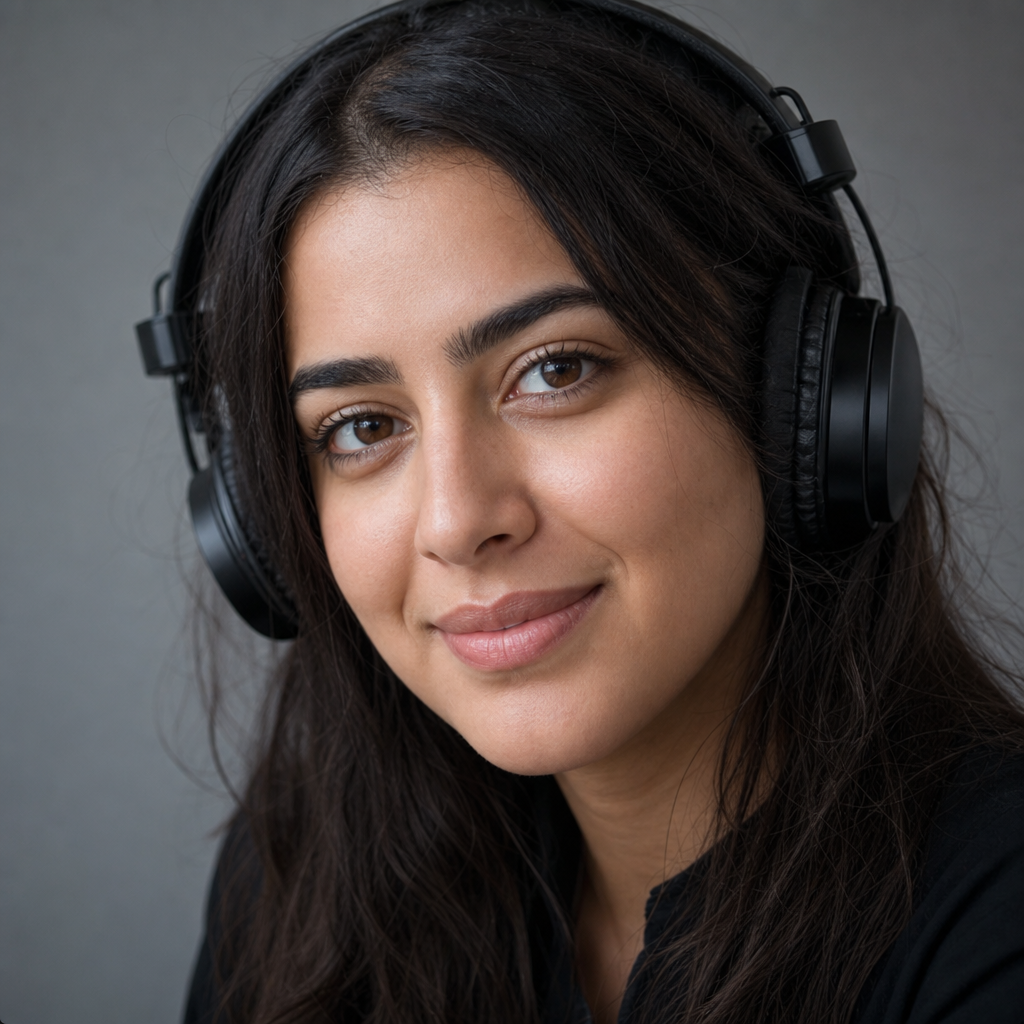
Convert a voice note from your phone without installing editing software.

Record in the browser and compare your accent against a target profile.

Prep clearer async messages for global prospects from any machine.
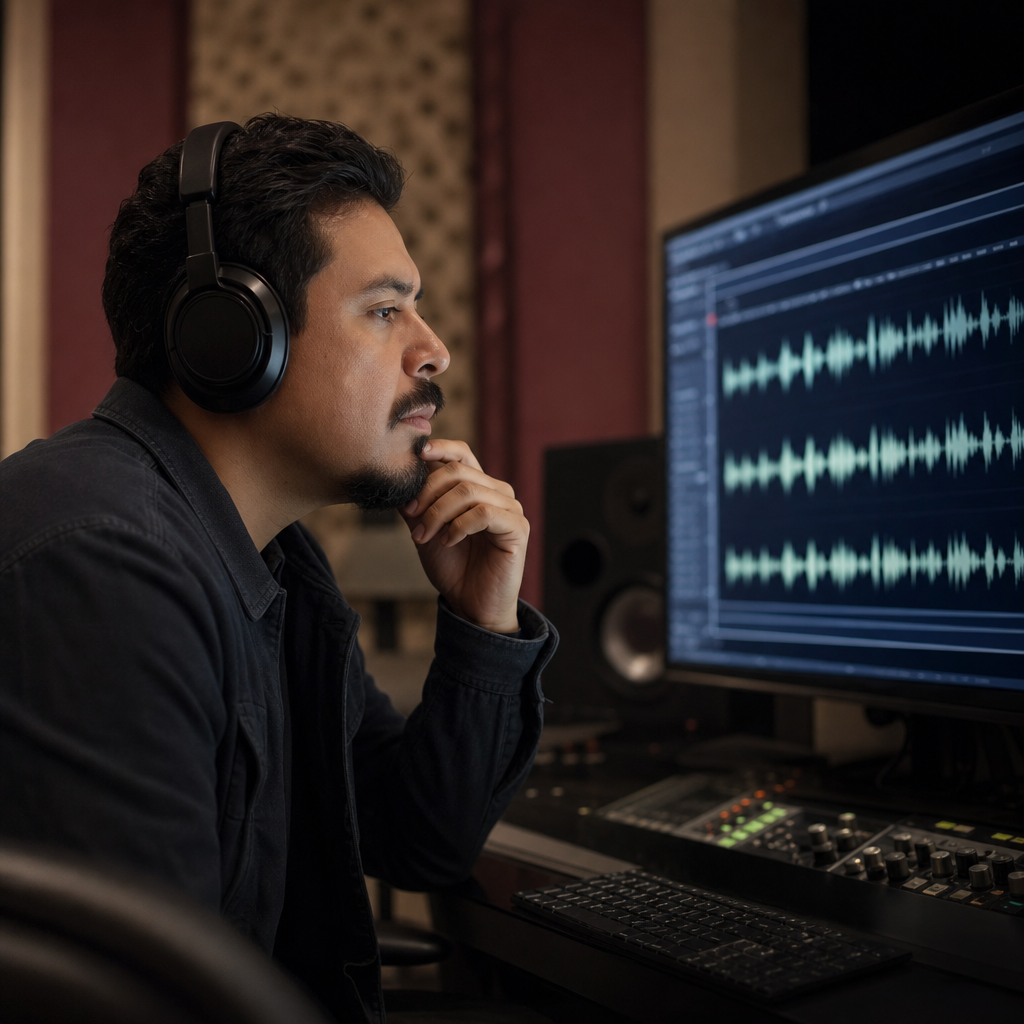
Share online accent previews with clients before final production.
Browser-native
The full capture, conversion, and download loop lives in the browser. No plugins, no desktop app, no account required to start.

Same product
Even when you run an accent changer online, the goal is still identity preservation — clearer native delivery from your own sample.

FAQ
Questions about using an accent changer online in your browser.
Yes. The accent changer online runs entirely in your browser — upload, record, convert, preview, and download without a desktop install.
On most modern mobile browsers that support file upload and microphone access, yes. Test with a short clip on your device first.
In the browser you upload or record speech, select a target accent, and the online pipeline transcribes, models your voice, and returns accent-adapted audio you can preview and download.
No translation step. The online accent changer keeps your spoken language and wording — only accent delivery changes.
Your recognizable voice carries through online processing. The output should still sound like you, with adjusted accent patterns.
Pick from American, British, Australian, Irish, Scottish, Canadian, Indian, South African English, and several European profiles — all selectable online.
Upload MP3, WAV, M4A, WEBM, or video with speech audio. Clear 5–15 second samples tend to work best for online conversion.
Yes. Play the online result and read the transcript before you export MP3.
You can try the accent changer online for free in your browser. Limits may apply at peak times.
Online uploads and recordings are used to process accent conversion. Avoid sensitive material you would not want processed remotely.
Ready when you are
Open the tool in your browser, add a voice sample, and convert accents in minutes.
Open the accent tool