Preserve speaker identity
Timbre and vocal character carry through — only accent patterns change.

Accent changer
Transform recordings while preserving your tone, pacing, and language. Upload or record, pick a target accent, and download speech that still sounds like you.
Accents
13+
Formats
Audio & video
Typical time
30–90s
How it works
Three steps in the browser — upload or record, choose an accent profile, preview and download.
Drop in an audio or video file, or record a short clip of clear speech in your browser.
Select British, American, Australian, or another profile — the language you spoke stays the same.
Listen back, read the transcript, and save the accent-changed clip as MP3.
Upload audio or video, or record a clip now. We use only the audio and recommend 5–15 seconds of clear speech.
Audio or video
MP3 · WAV · M4A · WEBM · MP4
Up to 1GB
A clear 5–15 second clip works best.
Built for voice identity
Upload or record speech, pick a native accent profile, preview the result, and export MP3 — with your voice identity intact.
Timbre and vocal character carry through — only accent patterns change.
Your words stay in the original language; delivery becomes more native.
American, British, Australian, Irish, Scottish, Canadian, Indian, South African, and European variants.
Drop in MP3, WAV, M4A, WEBM, or video — we process the audio track.
Review what was captured before you commit to the download.
Capture a fresh sample without leaving the page.
Who it's for
Whether you publish content, practice pronunciation, or prep client audio, the accent changer uses one capture-to-download flow.
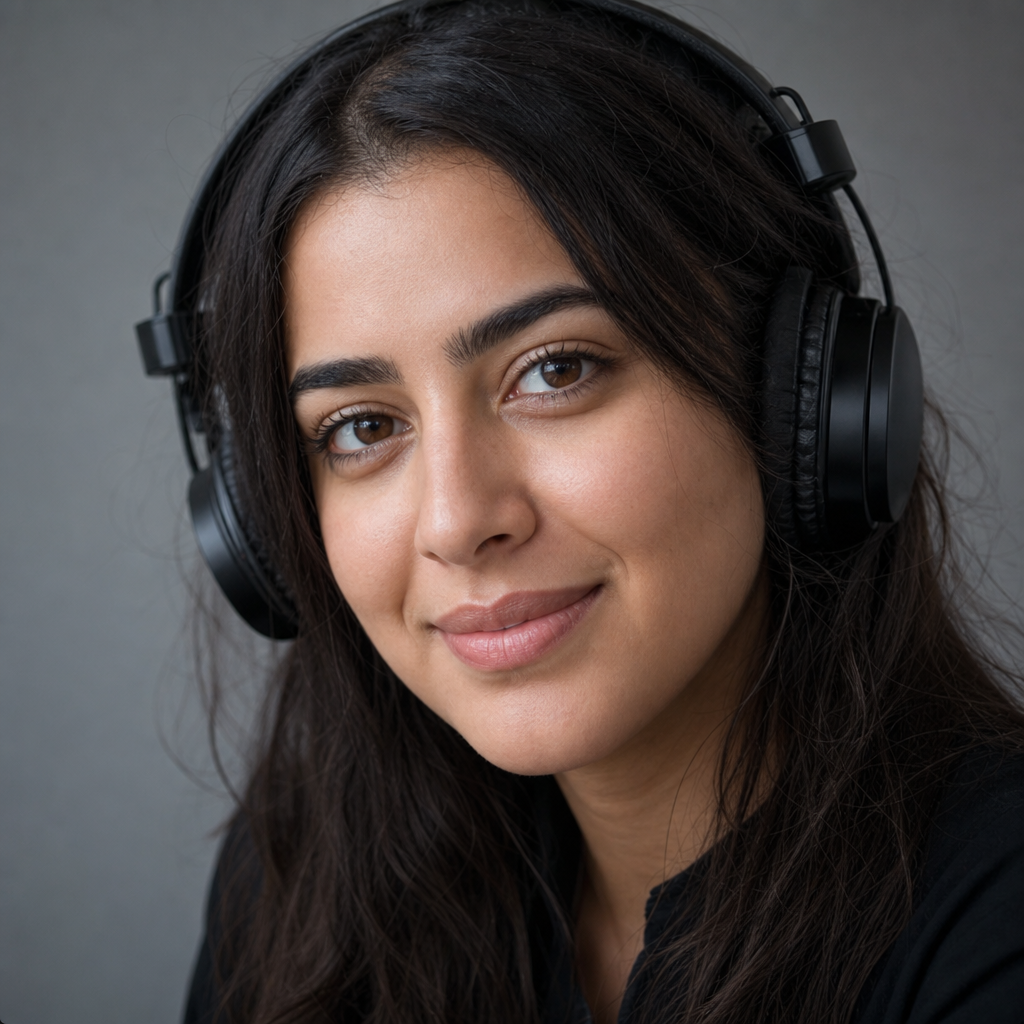
Polish narration and voiceovers with native-sounding delivery while listeners still recognize your voice.

Generate a reference version in a target accent to compare against your own recordings.

Make presentations and async updates easier to follow for international audiences.
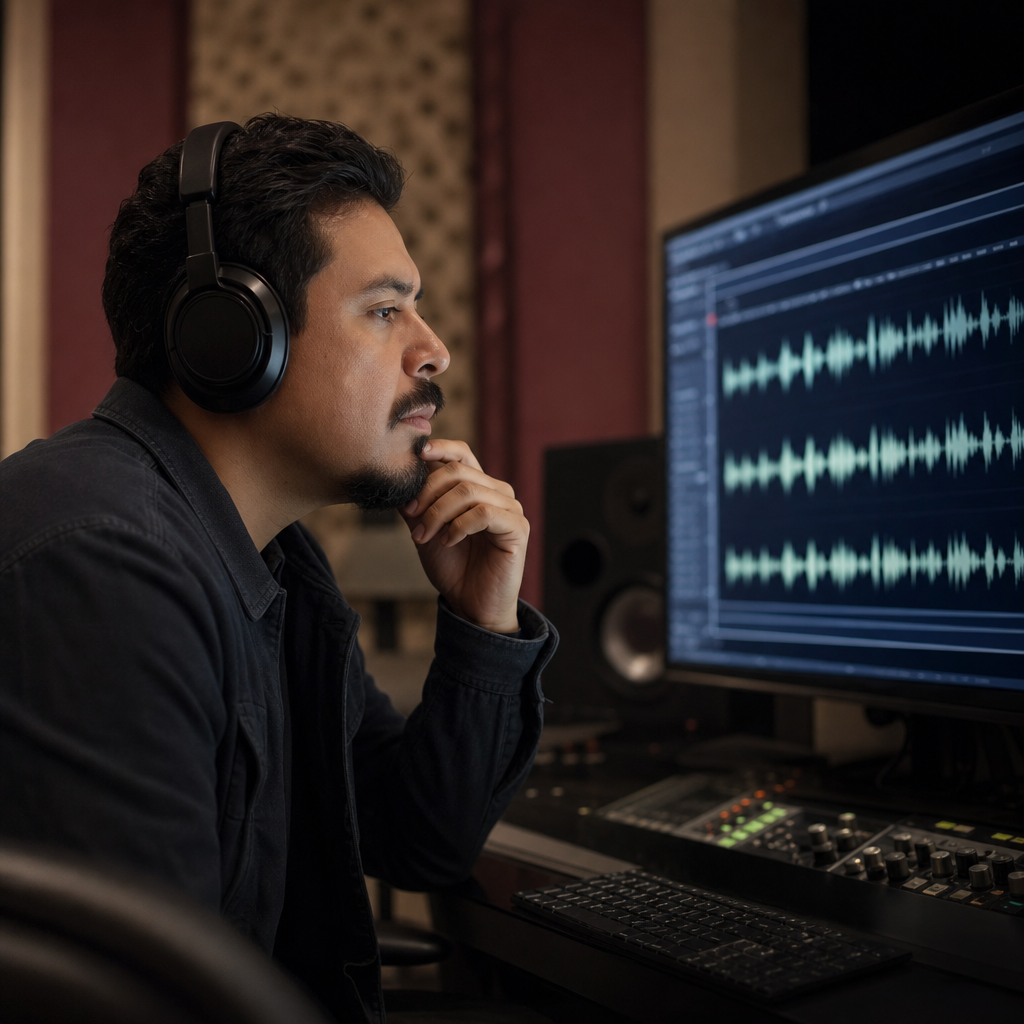
Draft accent variants quickly before committing to full studio re-records.
Voice identity
An accent changer should refine how you sound — not replace who you are. This workflow keeps recognizable timbre while shifting pronunciation toward a native profile.

Language first
English in stays English out. The accent changer reworks delivery and accent cues — it does not translate, paraphrase, or swap your wording.

FAQ
Common questions about using an accent changer while keeping your voice identity.
Add a recording or capture one in-browser, pick a target accent, and the accent changer transcribes your speech, models your voice, and regenerates clearer native delivery — without swapping your identity or language.
No. The accent changer is not a translator. Your original language and meaning stay intact; only pronunciation and accent patterns adapt.
Yes — that is the point. Timbre and vocal character are preserved while accent delivery shifts. It is not built to sound like a different person or a stock voice.
American, British, Australian, Irish, Scottish, Canadian, Indian, and South African English, plus French, Spanish, Portuguese, German, and Italian accent profiles.
MP3, WAV, M4A, and WEBM are common choices. Video uploads work too — we process the spoken audio track. A 5–15 second clear clip usually gives the best first result.
Yes. Record directly in the browser after granting microphone access. Speak clearly, choose an accent, and run the accent changer on your live capture.
Short clips typically process in 30 to 90 seconds, depending on length and server load. You can preview before downloading.
Yes — try the accent changer in your browser without installing software. Usage caps may apply during busy periods.
Check your rights before using converted audio in ads, paid products, or client deliverables. Confirm your terms allow redistribution of processed speech.
Audio you upload or record is processed to run accent conversion. Skip confidential content unless you are comfortable sending it through the service.
Ready when you are
Upload a clip or record a few seconds, pick a native accent profile, and hear the difference.
Open the accent tool