AI transcription
Your words are captured as text before accent synthesis runs.

AI accent changer
AI transcribes your speech, models your voice characteristics, and regenerates audio with native accent delivery — without changing your language.
Accents
13+
Formats
Audio & video
Typical time
30–90s
How it works
Upload or record, pick a target accent, and let the pipeline transcribe, model your voice, and regenerate clearer delivery.
Provide audio — the AI transcribes and analyzes your vocal characteristics.
Choose the target accent the synthesis model should apply.
Review AI output and transcript, then download the regenerated MP3.
Upload audio or video, or record a clip now. We use only the audio and recommend 5–15 seconds of clear speech.
Audio or video
MP3 · WAV · M4A · WEBM · MP4
Up to 1GB
A clear 5–15 second clip works best.
Built for voice identity
Speech-to-text, voice characteristic modeling, and accent-conditioned regeneration in one browser flow.
Your words are captured as text before accent synthesis runs.
AI targets your timbre — not a random preset voice.
Pick the native profile the model should aim for.
AI adjusts pronunciation cues within the same language.
Upload existing audio or record a fresh AI training sample.
No separate AI desktop client required.
AI-assisted workflows
Use the AI accent changer when you want machine speed with speaker fidelity.
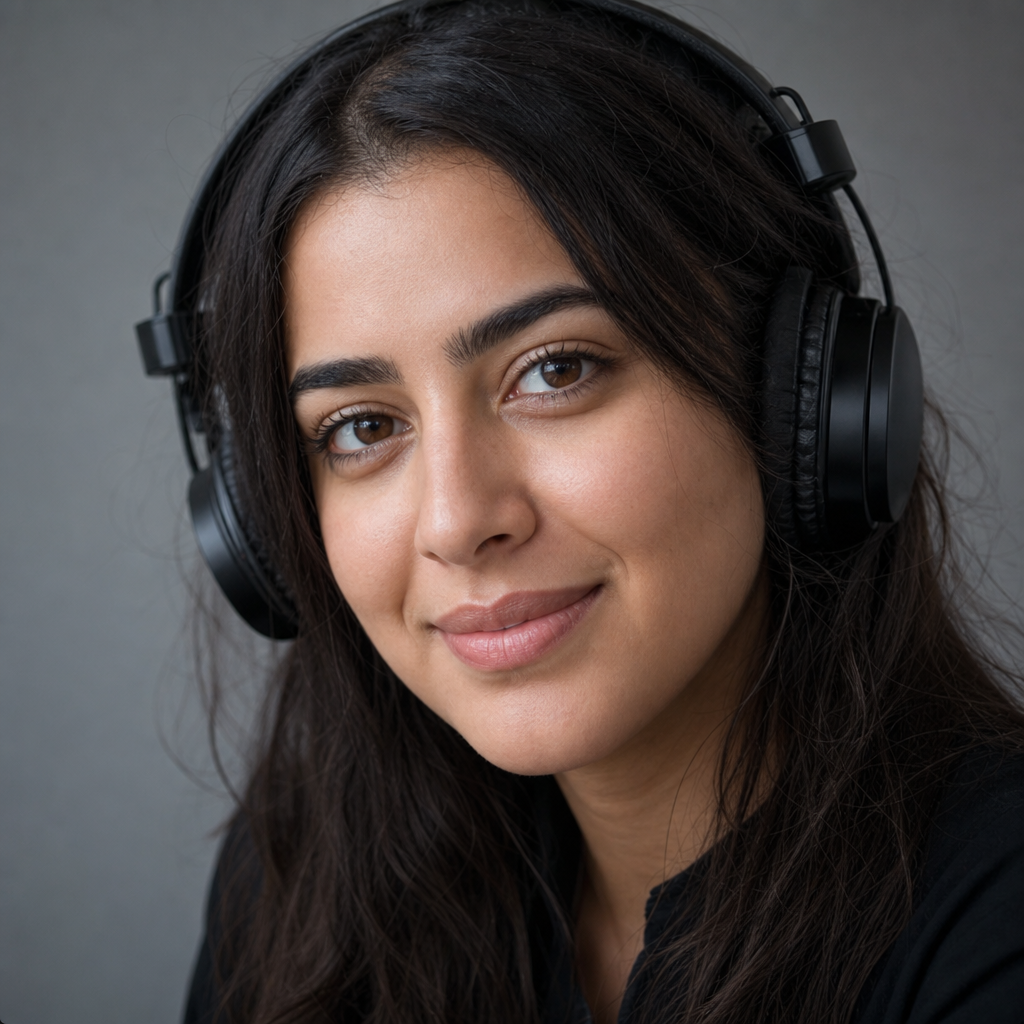
Generate accent variants for the same script without multiple takes.

Compare AI-generated accent output against your raw recording.

Produce accent-adapted walkthroughs from a single host recording.
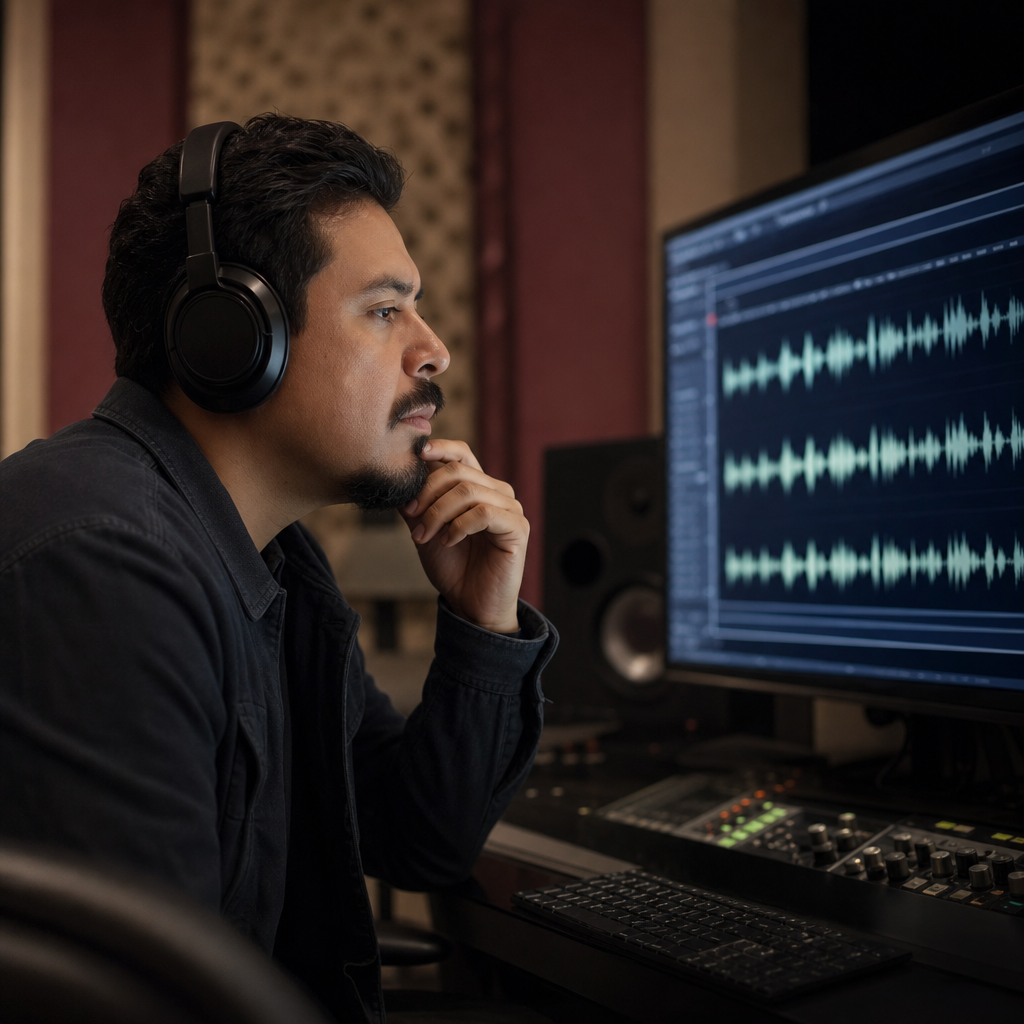
Prototype accent versions before committing to studio time.
AI pipeline
The AI accent changer transcribes your speech, learns your vocal characteristics, and regenerates audio with native accent patterns — without swapping you for a stock speaker.

Limits of AI
The AI accent changer adjusts how you sound, not what you said. English stays English; meaning stays intact.

FAQ
The AI accent changer transcribes your audio, models vocal characteristics, and regenerates speech with native accent patterns — while keeping your language and identity.
AI targets your voice fingerprint, not a celebrity or stock narrator. You should still sound like yourself after processing.
AI adjusts pronunciation and accent — it does not translate or rewrite your sentences.
The AI pipeline supports American, British, Australian, Irish, Scottish, Canadian, Indian, South African English, and European variants.
Upload standard audio or video-with-speech formats. A clean 5–15 second AI training sample improves first results.
Record a sample in-browser and send it through the same AI accent pipeline as uploaded files.
AI processing on short clips usually completes in 30–90 seconds. Preview before export.
You can try the AI accent changer free in the browser. Limits may apply at peak load.
Listen to AI output and review the transcript before downloading MP3.
Audio sent to the AI accent changer is used for transcription and regeneration. Skip highly sensitive content.
Ready when you are
Add a voice sample and hear AI-generated accent conversion that still sounds like you.
Open the accent tool