Batch-friendly uploads
Run the tool on clip after clip with the same settings.

Accent changer tool
Turn raw recordings into accent-adapted audio without manual re-recording. Upload, select an accent, preview, and export.
Accents
13+
Formats
Audio & video
Typical time
30–90s
How it works
A simple three-step tool — capture speech, choose accent, download the result.
Feed the tool an audio or video file, or record a line in-browser.
Lock in the accent profile your pipeline needs for this asset.
Preview, verify the transcript, and export MP3 for downstream editing.
Upload audio or video, or record a clip now. We use only the audio and recommend 5–15 seconds of clear speech.
Audio or video
MP3 · WAV · M4A · WEBM · MP4
Up to 1GB
A clear 5–15 second clip works best.
Built for voice identity
A tight feature set for production: upload/record, accent profiles, transcript, preview, MP3 out.
Run the tool on clip after clip with the same settings.
Spot garbled words before the accent pass finishes.
Same speaker should sound like themselves across exports.
Test British vs American on the same source take.
Capture a new line without opening another app.
No translation step — delivery adapts, words do not.
Tool users
When accent work is recurring, a focused tool beats one-off experiments.
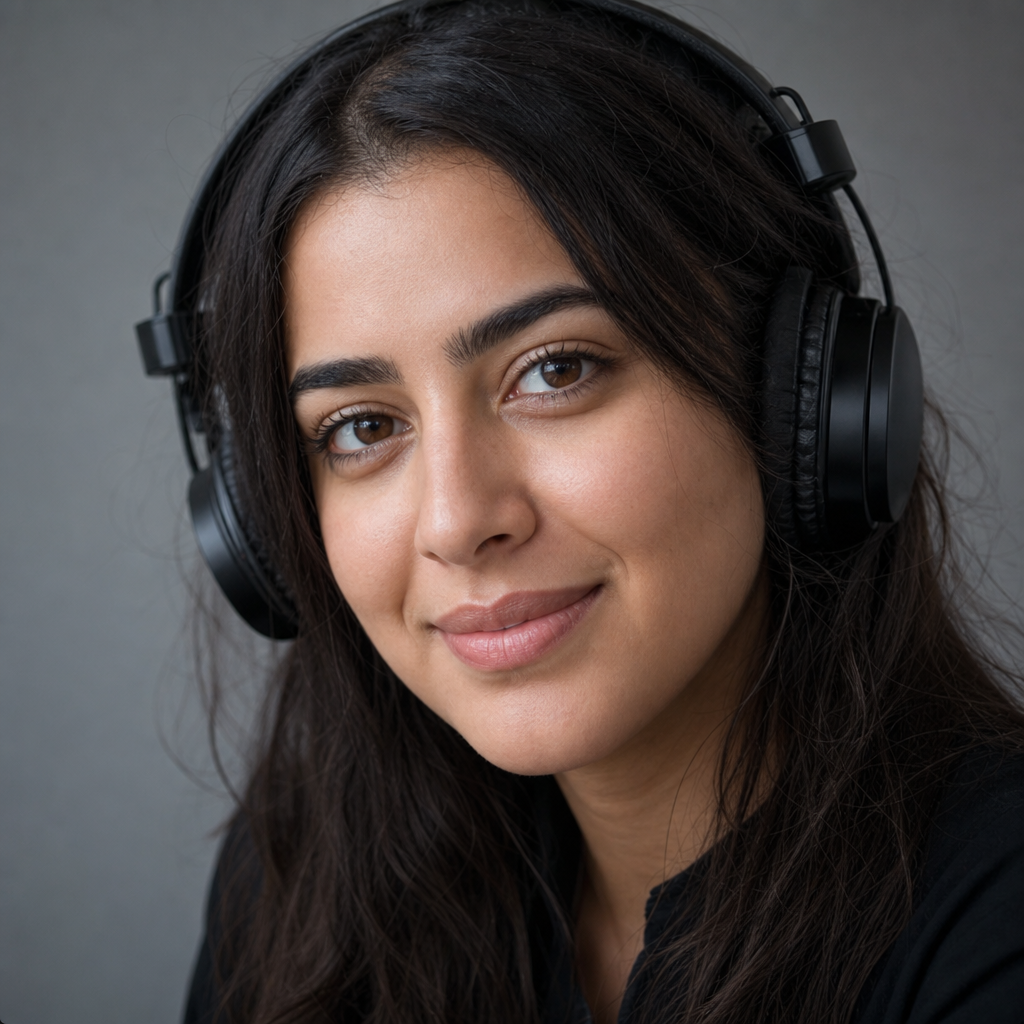
Normalize guest segments or host reads to a target accent profile.

Refresh training narration for regional offices without re-voicing.
Fix accent delivery on voiceover tracks pulled from video uploads.
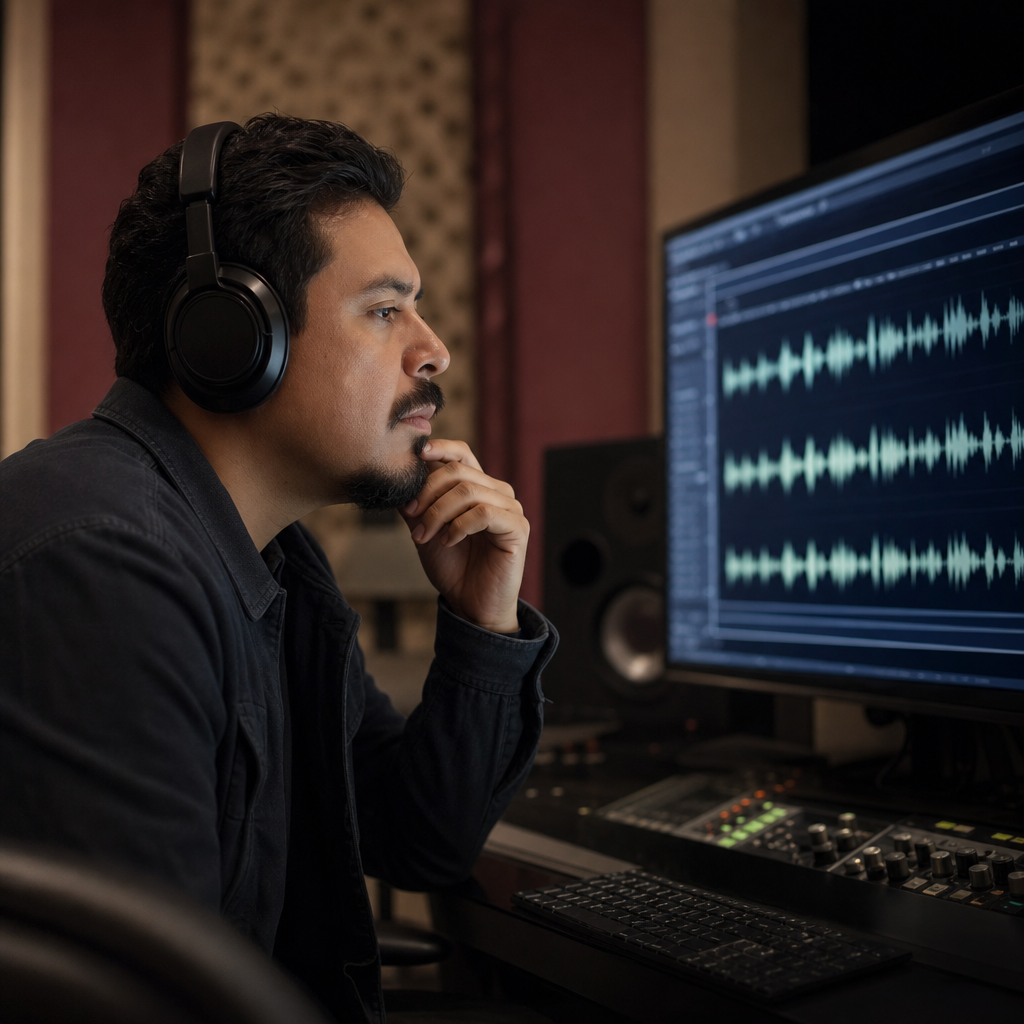
Generate accent variants for stakeholder review before final mix.
Production-ready
Treat accent conversion like any other step in your audio pipeline — capture, convert, preview, export — with predictable results each time.

Workflow fit
The accent changer tool sits between raw capture and final delivery — useful when re-recording in a studio is too slow or expensive.

FAQ
The accent changer tool follows three steps: capture speech (upload or record), select an accent profile, then preview transcript and export MP3.
The tool changes accent delivery, not language. Your script and spoken language remain as captured.
The tool is built for identity preservation — same speaker character, refined accent patterns.
Switch between American, British, Australian, Irish, Scottish, Canadian, Indian, South African, and European accent targets in the tool.
Feed the tool MP3, WAV, M4A, WEBM, or video audio. Clear speech segments of roughly 5–15 seconds work best.
Use the in-tool recorder when you need a fresh line without opening another capture app.
Expect roughly 30–90 seconds for typical short clips. Longer files may take more time.
You can run the tool in your browser without paying upfront. Usage limits may apply.
Before shipping tool output to clients or ads, confirm your license and terms allow converted speech redistribution.
Clips processed through the tool are used for accent conversion. Do not upload material you cannot share with the service.
Ready when you are
Run the tool with your own recording and export accent-adapted audio in minutes.
Open the accent tool