What's better for creators: real-time accent conversion or post-production accent change?
Accent Changer Team
For most creators, post-production wins. Real-time accent conversion is built for live conversation. Post-production accent change is built for content you can edit, preview, and ship — and that is where podcasts, YouTube, courses, and branded video actually live.
Neither option is “fake.” They solve different problems. The mistake is picking live tooling when your real bottleneck is a recorded take you wish sounded clearer for a specific audience.
What each approach optimizes for
| Real-time accent conversion | Post-production accent change | |
|---|---|---|
| Input | Live mic stream | Recorded audio or video file |
| Timing | Milliseconds matter | You can listen and re-run |
| Best for | Calls, live streams with routing setup | Podcasts, videos, lessons, ads |
| Typical tool | Desktop app + virtual audio cable | Browser upload at accentchanger.com |
| Do-over | Hard — it already aired | Easy — export a new version |
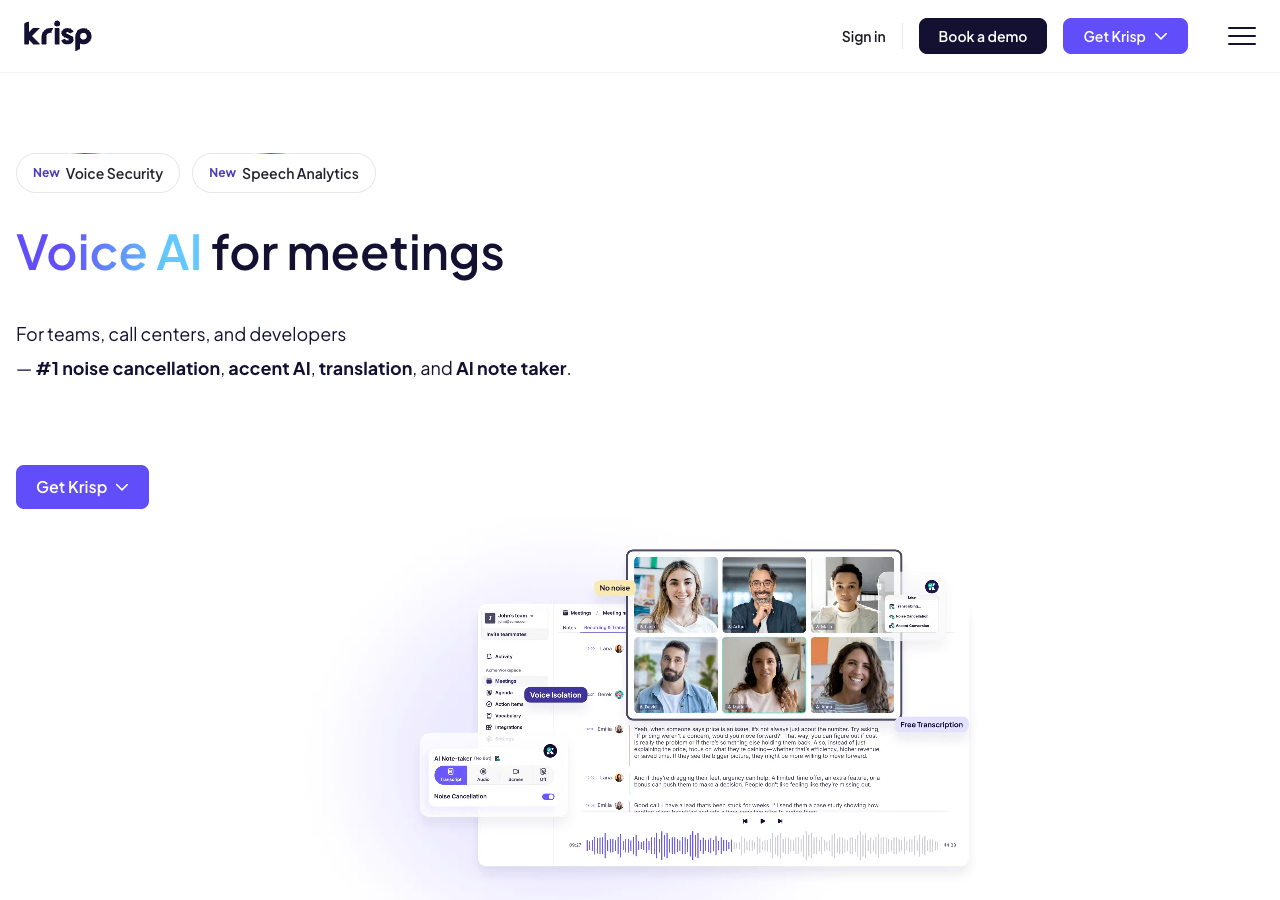
Creators almost always fall into the right column. You are not trying to rewrite your voice during a Twitch chat; you are trying to make Episode 12 land better for US listeners without re-recording the whole script. Live-call routing tools like Krisp sit in the left column:
Why creators prefer post-production
1. You can judge quality before publishing
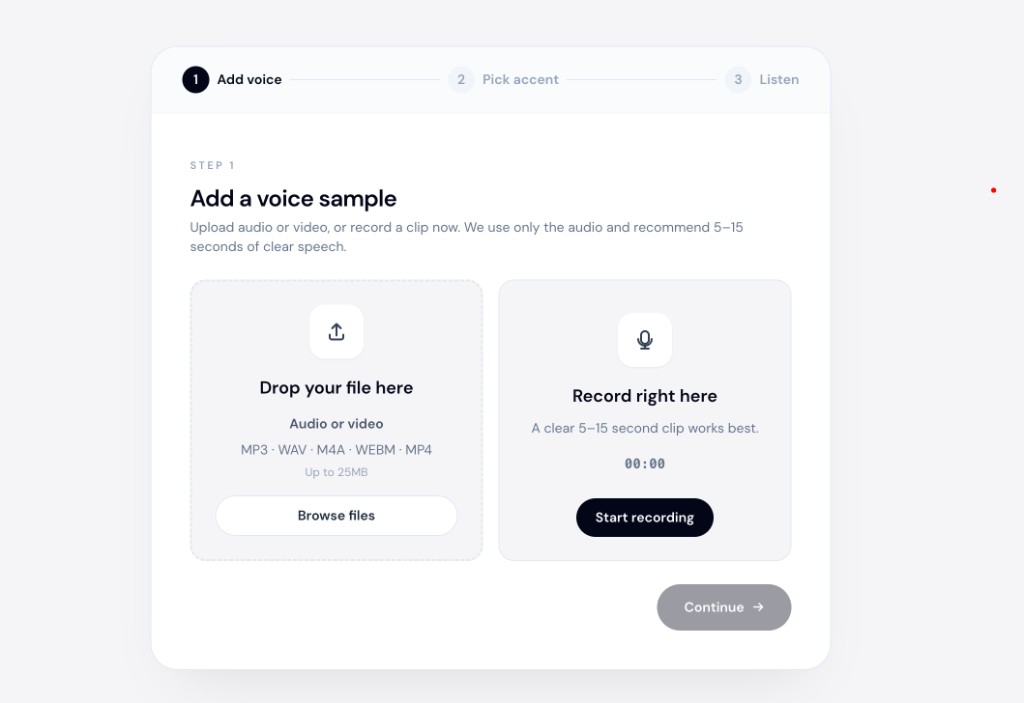
A speech-to-speech accent changer lets you A/B the original and converted take. If a vowel sounds off at 2:14, you fix the source or re-convert — you do not discover the problem after upload.
2. Editing workflows already expect files
DaVinci Resolve, Premiere, Descript, and Reaper all want audio clips. Convert the speech track, drop it on your timeline, and keep your music and SFX untouched.
A video accent changer path does the same for talking-head content — extract speech, convert, replace the track.
3. Identity preservation is easier offline
Good post-production models aim to keep your timbre and pacing while shifting pronunciation — the same promise as change accent and keep your voice workflows. Real-time systems sometimes compress quality to hit latency targets.
4. No virtual audio plumbing
Live conversion on streams or calls often means virtual cables, driver conflicts, and “why does my mic sound underwater?” support threads. accentchanger.com runs in the browser: record or upload, pick an accent, download MP3. No install.
When real-time might still make sense for creators
Live accent AI is not useless for creators — just narrower:
- Live coaching or interview shows where you cannot post-edit the guest’s segment
- Streaming experiments where you accept some quality risk for the gimmick
- Rapid audience testing — hear yourself in a target accent while improvising
Even then, many creators record the stream and clean up highlights in post. The live layer is performance; the file is the product.
A simple decision framework
Ask one question: Will this audio be edited before anyone else hears the final version?
- Yes → post-production. Use an AI accent changer on the recording.
- No → consider real-time software, and test latency hard before going live.
For multilingual or regional channels, post-production also scales: one recording session, multiple accent exports for different playlists — something live tools do not do well.
How to try post-production in ten minutes
- Export the speech from your latest video or podcast (or record a 60-second test in the browser)
- Open accentchanger.com and choose your target accent
- Compare before/after for naturalness and whether you still sound like you
- Drop the converted file back into your edit
The online accent changer path is the same idea with no desktop software — useful for quick creator experiments between full edits.
Bottom line
Creators should default to post-production accent change: better control, better fit for edit timelines, and a clearer path to sounding like yourself in a new accent. Reserve real-time conversion for the rare case where the audience hears raw audio with no second chance to fix it.
For your next project, treat accent conversion like color grading — a polish pass on material you already captured, not a live filter you hope works on air. When live routing is the actual constraint, read real-time accent AI on mobile calls before installing anything.