Does real-time accent AI work on mobile calls?
Accent Changer Team

Rarely, and rarely well. Real-time accent AI on mobile phone calls faces tighter constraints than desktop Zoom setups: operating systems limit microphone routing, cellular codecs compress audio aggressively, and latency that feels acceptable on Wi-Fi can break natural conversation on LTE.
That does not mean mobile accent tools are useless — it means you should know which mobile workflows actually work before expecting a live filter on a standard phone call.
Why mobile calls are harder than video meetings
On a laptop, you can often install a virtual audio device and pipe processed audio into Teams or Zoom. Phones are different:
- Native dialer and cellular calls — iOS and Android do not expose a “replace my voice mid-call” API for third-party accent apps
- Codec compression — mobile networks prioritize bandwidth; fine pronunciation detail gets lost before any AI sees it
- Bluetooth headsets — an extra hop adds delay and sometimes mono-only audio
- Battery and thermals — continuous on-device inference drains power fast
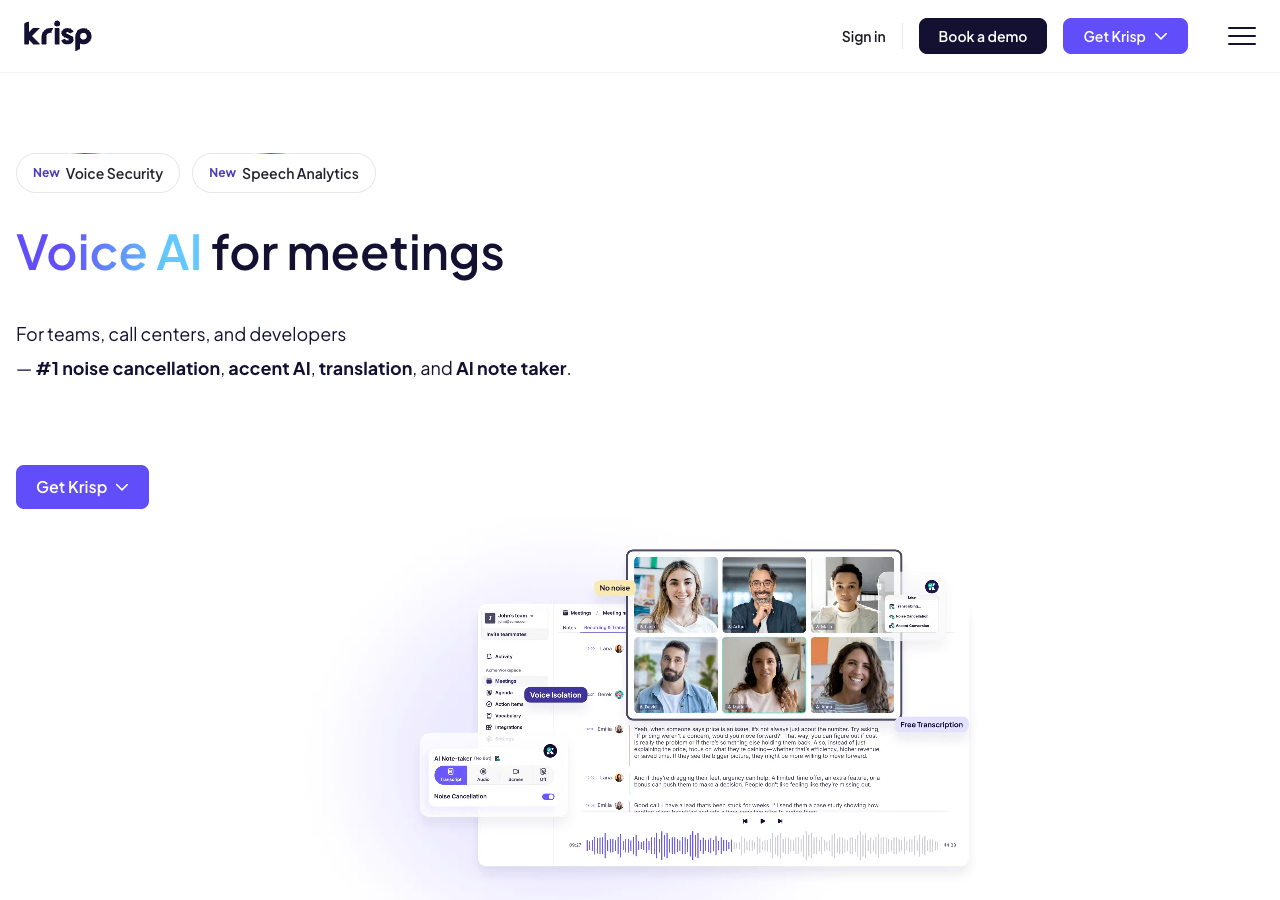
Real-time accent products that work on mobile today usually target VoIP apps (WhatsApp, FaceTime, some meeting clients) with workarounds — not the green “Phone” app on every carrier network. Desktop live-call tools such as Krisp follow the same routing idea on a laptop:
What tends to work on mobile
| Scenario | Real-time accent AI | Practical notes |
|---|---|---|
| Cellular phone call | Usually no | OS does not allow live mic replacement |
| VoIP call in a supported app | Sometimes | App-specific; quality varies |
| Record → convert → send | Yes | Post-production; most reliable |
| Video meeting on phone browser | Limited | Latency + single-mic routing |
If someone markets “accent changer for phone calls” without naming the exact app and OS version, treat it as a red flag.
Post-production: the mobile workflow that actually scales
Most people searching from their phone do not need live conversion — they need to fix a recording they already made:
- A voice note before a client pitch
- A Loom or screen recording with a thick regional accent
- A practice clip for accent reduction or pronunciation coaching
That is where file-based tools shine. accentchanger.com runs in the mobile browser: record a short sample, pick a target accent, preview, and download. It is not a live call filter — and that is intentional. You get time to judge whether you still sound like you.
Upload a voice memo, convert it, and send the MP3 in WhatsApp or email. No virtual cable, no fighting the dialer.
Real-time on mobile: if you still want to try
If your use case truly requires live audio:
- Confirm app support — does the accent tool list your meeting or VoIP app explicitly?
- Test on Wi-Fi first — eliminate cellular jitter before judging the model
- Use wired headphones — cuts Bluetooth latency
- Keep a fallback — be ready to disable the filter if the call turns robotic
Expect more artifacts than desktop post-production. Real-time mobile stacks trade quality for speed.
Live vs file-based: quick comparison
Live mobile accent AI — possible in narrow setups; high latency risk; hard to undo a bad sentence.
Post-production at accentchanger.com — works on any phone with a browser; you preview before sharing; ideal for audio accent changer workflows on clips you control.
For creators and professionals, the second path is almost always the right default.
Bottom line
Real-time accent AI on standard mobile phone calls is mostly blocked by platform limits, not by lack of models. For practical accent change on mobile, record your speech, convert the file in the browser, and share the result — the same post-production pattern that works for podcasts and video, scaled down to a voice memo.
If you are comparing approaches more broadly, see real-time vs post-production for creators.
For identity-preserving conversion on files you control, the change accent and keep your voice workflow is the reliable mobile default.