Can AI change my accent live on Zoom / Teams / Google Meet?
Accent Changer Team

Sometimes — but not the way most people imagine. A handful of products can process your microphone in real time during a video call. Most AI accent changers you find in a browser, including accentchanger.com, work on uploaded or recorded files — not as a live filter inside Zoom, Microsoft Teams, or Google Meet.
That distinction matters before you install anything or change your mic settings.
What "live accent change on calls" actually means
Real-time accent conversion sits between your microphone and the app that sends audio to other participants. The pipeline looks roughly like this:
- You speak into a mic
- Audio streams to an accent model with very low latency
- Processed audio is routed back out as your "microphone" input
- Zoom, Teams, or Meet transmits that modified signal
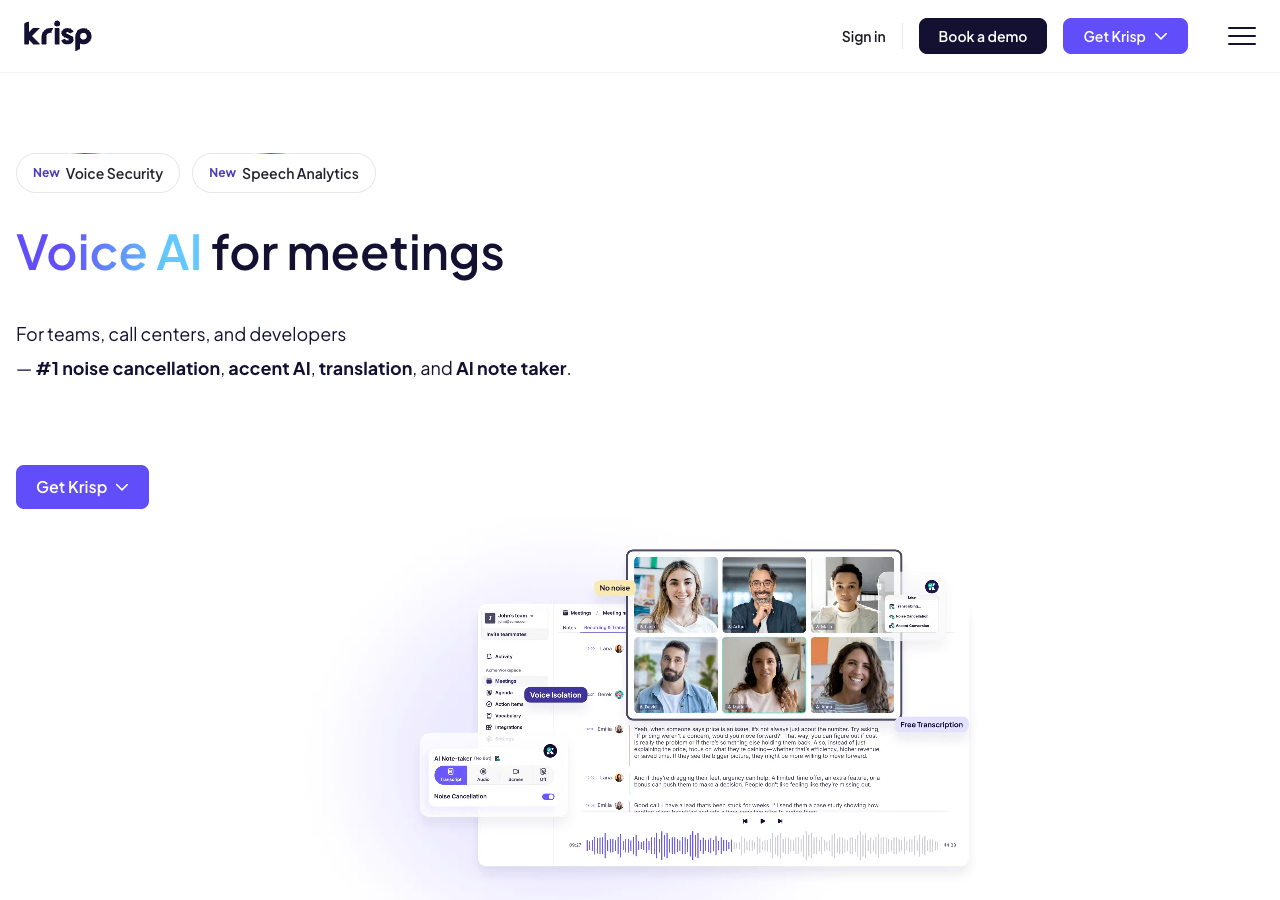
Tools like Krisp sit in this layer — processing audio before it reaches the meeting app, with latency budgets measured in milliseconds.
This is a different product category from post-production accent change, where you upload a recording, convert it, preview, and download a file. Tools like the online accent changer at accentchanger.com follow that second workflow — polish a clip you already have, not rewrite your voice mid-meeting.
Can Zoom, Teams, or Meet do it natively?
No. None of the major meeting platforms ship a built-in accent converter. If you want live conversion on a call, you typically need:
- A virtual audio device or system-level routing (common on desktop)
- A third-party real-time accent app that claims sub-100ms processing
- Sometimes a browser extension or companion app — quality varies widely
On mobile, live routing is even harder. Phone and tablet apps usually lock down microphone access, so "accent filter for Google Meet on iPhone" is a much smaller, less mature market than desktop.
When live conversion makes sense
Live accent AI is aimed at situations where you cannot re-record:
- Sales or support calls where clarity matters in the moment
- Language learners practicing with a tutor on a video call
- Remote workers who want a more neutral English delivery during standups
The trade-off is control. You get immediacy, but less time to judge whether the output still sounds like you.
When post-production is the better fit
For most creators and professionals, file-based conversion is simpler and often sounds more natural:
- Podcast and YouTube edits — convert the speech track, then drop it back into your timeline
- Course lessons and demos — record once, produce regional versions from the same take
- Client deliverables — preview, tweak, and re-run until the accent feels right
accentchanger.com is built for this: upload or record in the browser, pick a target accent, listen, and download MP3. No virtual cable setup, and no risk of glitching mid-call.
If your source is video, a video accent changer workflow extracts the speech track, converts it, and lets you replace audio in post — the same idea, different container.
What to watch out for
- Latency — even 150ms of delay can make conversation feel awkward
- Robotic tone — aggressive real-time models sometimes sacrifice naturalness for speed
- Privacy — live tools process every word you say; read their data policies
- Expecting accentchanger.com to join your call — it does not; use it before or after the meeting on a recording
Practical takeaway
| Goal | Better approach |
|---|---|
| Sound clearer on this afternoon's Zoom | Explore dedicated real-time accent software + virtual audio routing |
| Polish a pitch, podcast, or lesson you already recorded | Post-production at accentchanger.com |
| Compare accents before committing to live setup | Upload a short sample via the speech accent changer workflow |
Bottom line
AI can change your accent live on some calls — but it requires specialized real-time software, not the typical browser upload tool. For most people searching "accent changer for Zoom," the reliable path is: record the meeting or a practice clip, convert the file, and judge quality without the pressure of a live audience.
For how speech-to-speech conversion preserves identity in post-production, see change accent and keep your voice.