MP3, WAV, M4A, WEBM
Standard audio containers accepted for accent processing.

Audio accent changer
Supports common audio formats plus in-browser recording. Upload a clip or record live, then export accent-adapted speech.
Accents
13+
Formats
Audio & video
Typical time
30–90s
How it works
Add audio from your device or record in the browser, pick accent, preview, download MP3.
Upload your audio file (or video with speech) or record a new clip.
Select the accent to apply to the audio content.
Preview the processed audio and download the accent-changed MP3.
Upload audio or video, or record a clip now. We use only the audio and recommend 5–15 seconds of clear speech.
Audio or video
MP3 · WAV · M4A · WEBM · MP4
Up to 1GB
A clear 5–15 second clip works best.
Built for voice identity
File upload, browser recording, accent profiles, transcript, and MP3 download for audio-centric workflows.
Standard audio containers accepted for accent processing.
Upload video — we work from the spoken track inside.
Audio accent change keeps recognizable vocal identity.
Point processing at the native profile you need.
Confirm the audio was understood before export.
Capture audio in-browser when you do not have a file ready.
Audio producers
Editors, field recordists, and creators who start from files — not just live mic.
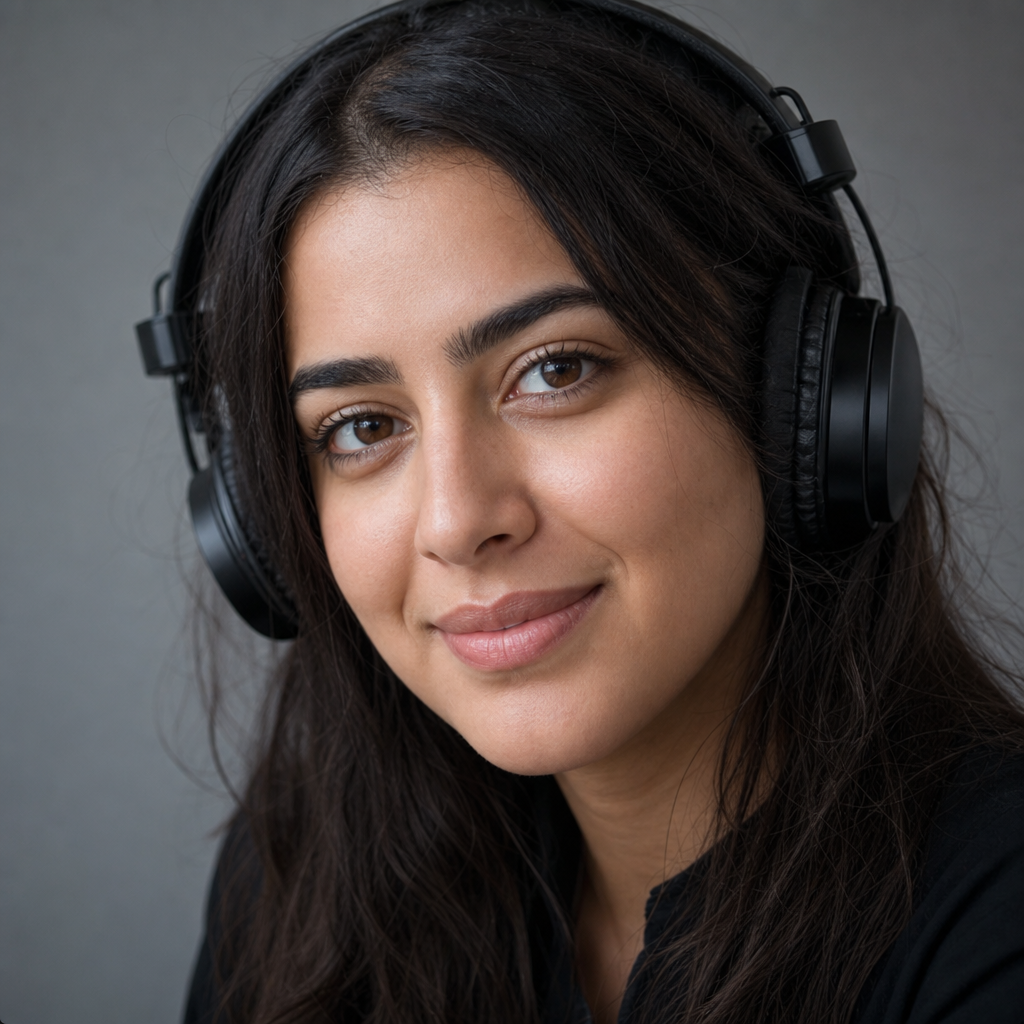
Fix accent delivery on a submitted WAV without sending it back to talent.
Pull accent changes from video uploads using the embedded audio.

Clarify interview audio for international distribution.
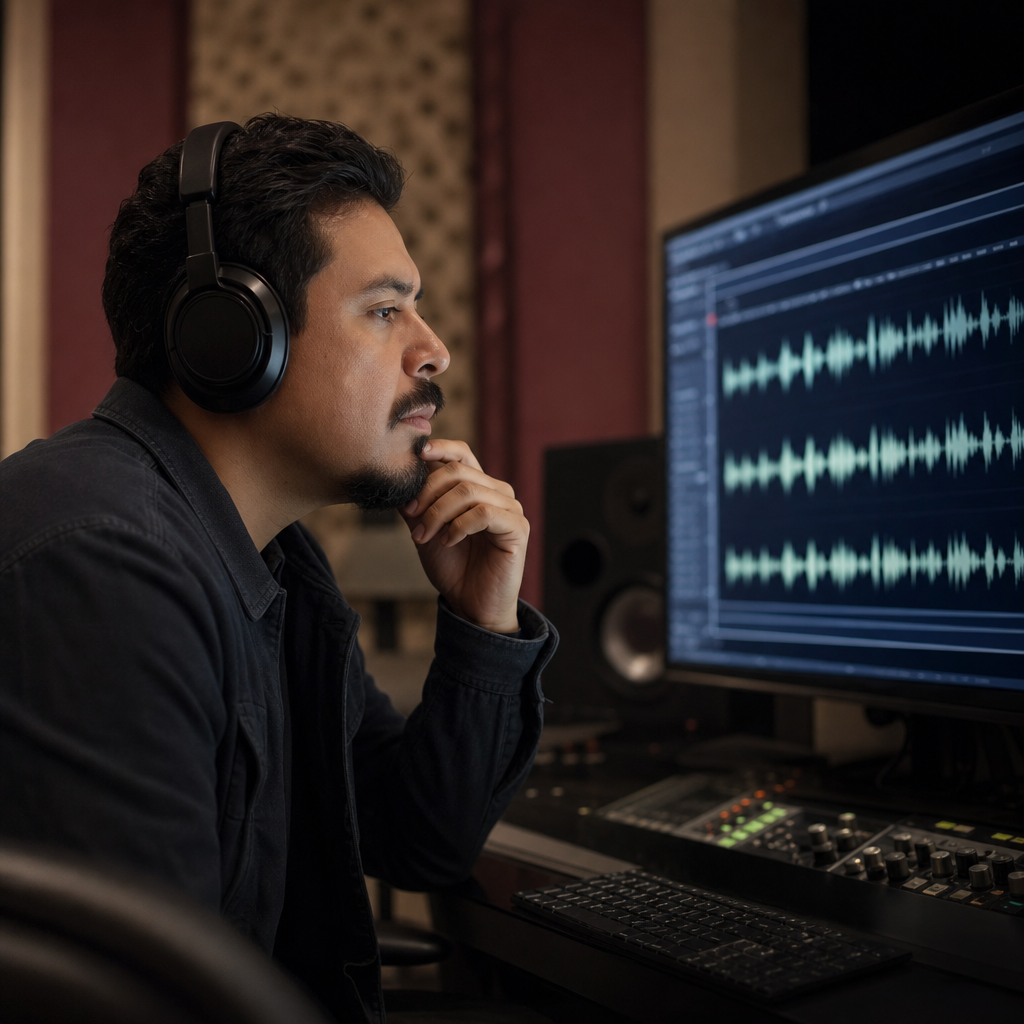
Generate accent variants from legacy audio for modern audiences.
File formats
Drop in MP3, WAV, M4A, WEBM, or video with an audio track. The audio accent changer processes the spoken content and returns accent-adapted MP3.

Pipeline
Use an audio accent changer between capture and publish — when the take is usable but accent delivery needs adjustment.

FAQ
The audio accent changer supports MP3, WAV, M4A, and WEBM. Upload video and we extract the speech audio track for processing.
Yes — upload video and the audio accent changer uses the embedded speech track. The video file itself is not re-exported.
Upload an audio file or record one, choose an accent, and the audio accent changer returns accent-adapted MP3 with transcript preview.
Audio accent processing does not translate speech — language stays as recorded.
The speaker on the audio file should still sound like themselves after accent adaptation.
Point audio processing at British, American, Australian, Irish, Scottish, Canadian, Indian, South African, or European profiles.
Record audio in the browser when you do not have a file ready to upload.
Typical audio files of a few seconds process in 30–90 seconds.
Try the audio accent changer free — no install required.
Uploaded and recorded audio is used for accent processing. Do not send files you cannot share with the service.
Ready when you are
Upload an audio file or record a clip and download accent-converted speech.
Open the accent toolRelated accent tools: