Will an AI accent changer make me sound like a different person?
Accent Changer Team

Usually no — if you use the right tool. A speech-to-speech accent changer is designed to shift how you pronounce English while keeping your timbre, pacing, and personality. You should still sound recognizably like yourself, just with clearer vowels and intonation toward British, American, Australian, or another target profile.
The problem is category confusion. Many people search for an AI accent changer and land on text-to-speech libraries or celebrity voice filters. Those products replace your voice with a stock narrator or a cloned identity. Of course that sounds like a different person — because it is.
What changes vs what stays the same
Accent conversion targets delivery, not identity:
| Stays the same | Changes |
|---|---|
| Timbre and vocal texture | Vowel shapes and consonant clarity |
| Speaking rhythm and pauses | Intonation toward the target accent |
| Emotional energy | Pronunciation patterns |
| Your words and meaning | How those words sound to listeners |
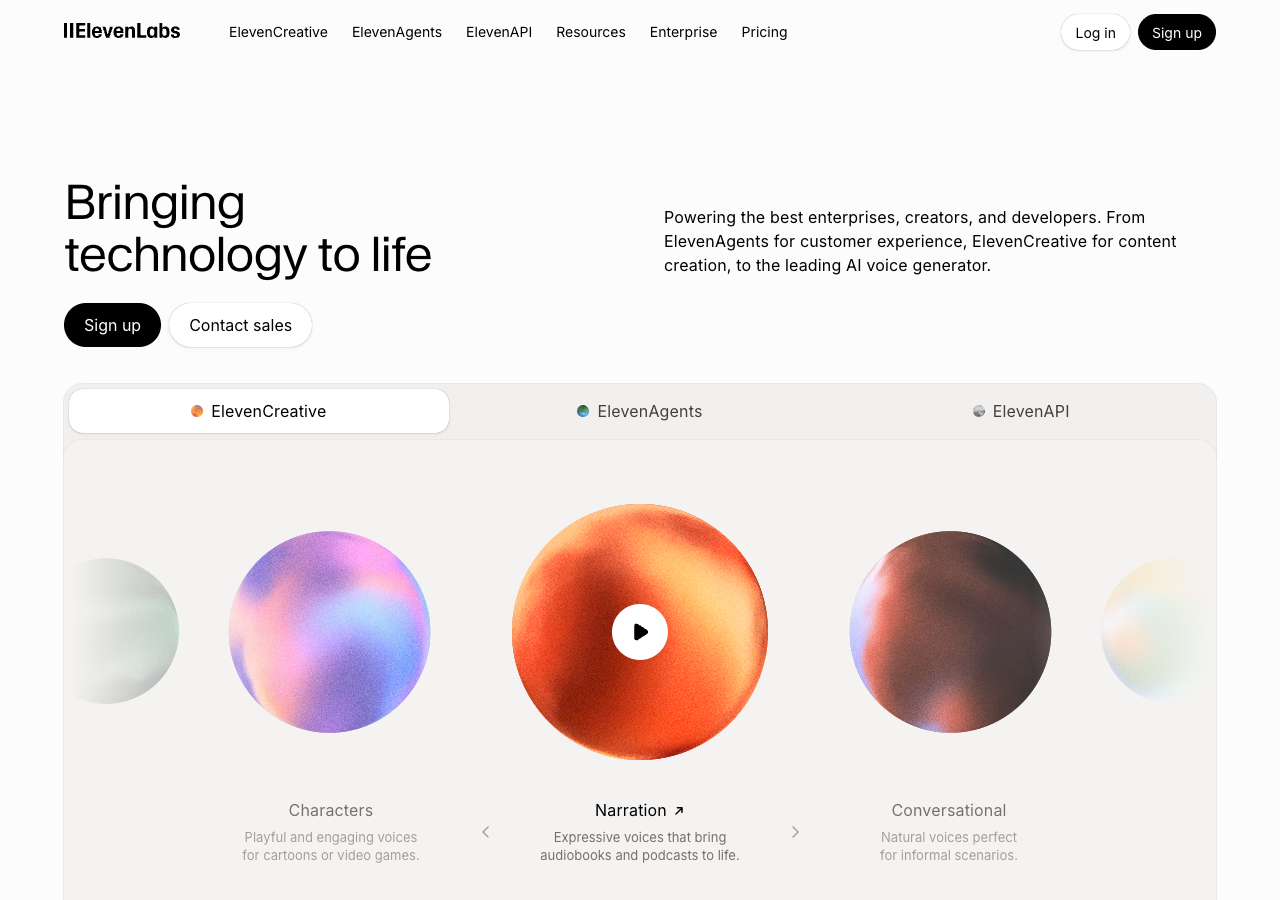
If the output feels like a stranger reading your script, you are probably not using accent conversion. You may be using TTS, voice cloning, or a generic pitch-shift filter — ElevenLabs-style narrators are built for text, not your recording:
When accent changers do sound like someone else
A few situations push tools toward “different person” territory:
- Voice cloning mode — the AI borrows another speaker’s profile instead of adapting yours.
- Heavy processing on noisy audio — artifacts can flatten your natural character.
- Very short clips — under ten seconds, models have less timing and emotion to preserve.
- TTS from a script — you never uploaded your voice; the tool generated a new one.
For the question “will I still sound like me?”, the workflow matters more than the marketing label. Upload your recording, convert your speech track, and compare.
Accent conversion vs voice changing
| Approach | Goal | Sounds like you? |
|---|---|---|
| Speech-to-speech accent conversion | Clearer accent, same speaker | Yes (intended) |
| Text-to-speech | New narration from text | No |
| Voice clone / character changer | New identity | No |
Tools described as voice accent changers sometimes mean TTS. Read whether the input is your audio or written text before you expect identity preservation.
How to tell if it worked
After conversion, ask three quick questions:
- Would a colleague recognize this as me? Timbre should pass the “phone call” test.
- Does the emotion match the original? Urgency, warmth, or sarcasm should carry over.
- Did only pronunciation shift? Same words, same pacing — different accent color.
accentchanger.com follows the speech-to-speech workflow: record or upload, pick a target accent, preview, download. The focus is your audio in, accent-adjusted audio out — not a library voice reading for you.
Tips for keeping “you” in the output
- Record 30–90 seconds in a quiet room.
- Avoid background music on the source track.
- Pick a target accent close to your starting point for a subtler shift.
- Listen on headphones — small artifacts are easier to spot.
The change accent and keep your voice workflow is built around this idea: adapt pronunciation, preserve the speaker listeners already know.
Bottom line
A proper AI accent changer should not make you sound like a different person. It should make you sound like you, with pronunciation adjusted for a target audience. If the result feels like a stranger, switch from TTS or cloning to speech-to-speech conversion on your own recording.
Try a short sample at accentchanger.com and compare before and after. If the output still sounds like a stranger, read speech-to-speech accent converter (not TTS) to confirm you are in the right product category.