Why does my "British voice" TTS still sound American when I speak?
Accent Changer Team

Because TTS is not accent conversion. When you pick a “British voice” in a text-to-speech tool, you are choosing a pre-recorded narrator profile to read new text. The system is not listening to your American (or other) recording and reshaping it. If your input is your own speech with an American accent, TTS never sees that input — so your accent cannot be converted.
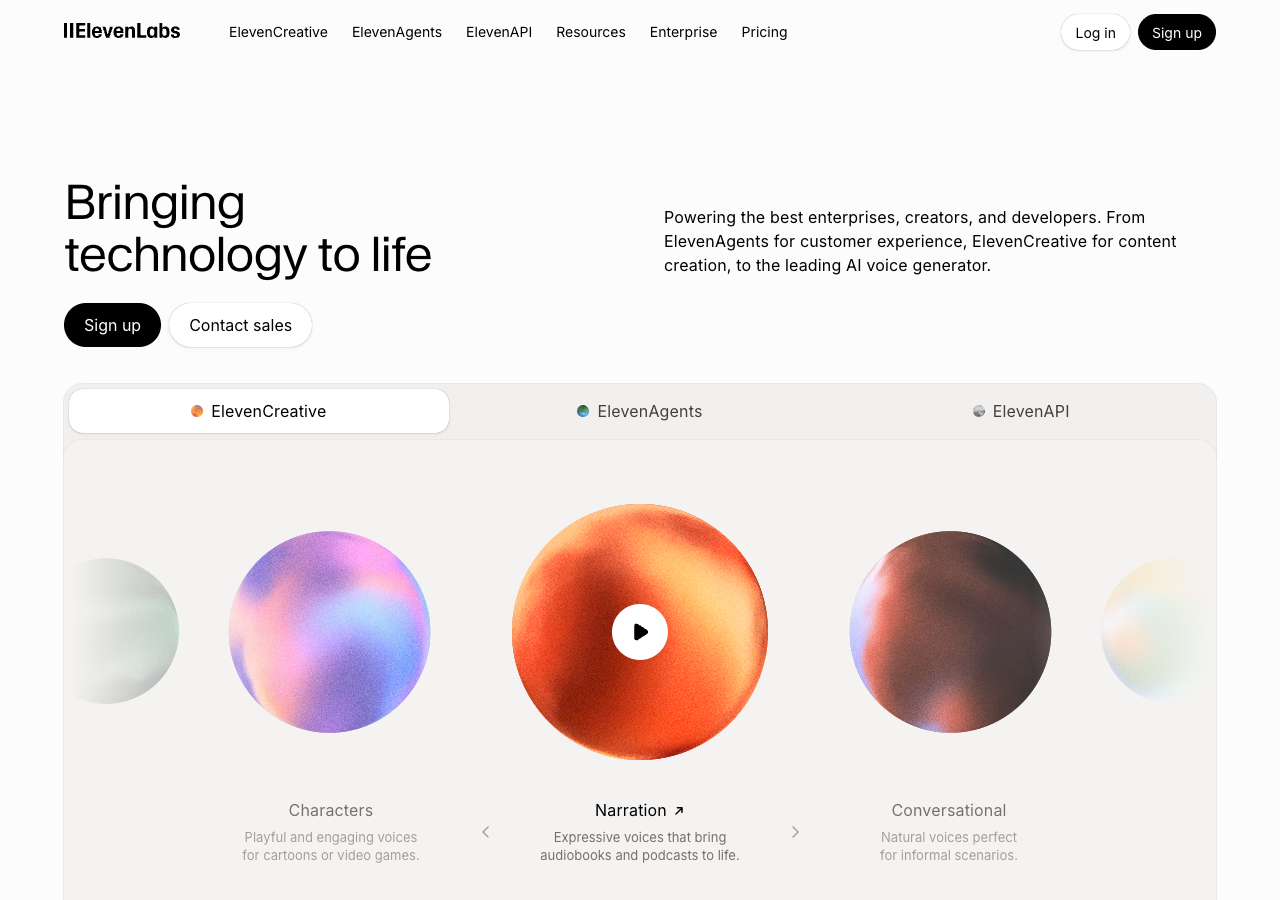
People expect magic: record yourself, select “British George,” and hear their own performance in RP English. That workflow does not exist in TTS. The British voice is a separate synthetic speaker reading whatever you typed — the same limitation you see in ElevenLabs-style voice libraries:
What TTS actually does
Text-to-speech pipeline:
- You provide written words
- The engine picks a voice model (British, American, etc.)
- It generates new audio in that narrator’s style
Your original recording — your vowels, your rhythm, your timbre — is never part of the chain. The output sounds British because the narrator model is British, not because your accent was converted.
Why it still “sounds American” to you
A few common confusions:
- You played your recording, then played TTS side by side — you are comparing two different speakers. The TTS track is British-accented narration, not your voice adapted.
- The TTS “British” voice is mild or hybrid — many commercial voices sit between accents for global audiences.
- You used speech-to-text then TTS — transcription drops performance details; the new voice reads flat text.
- Your mic bleed or monitoring — you still hear yourself in the room while a British narrator plays in headphones.
If the goal is “my take, but British,” TTS is the wrong category entirely.
TTS vs speech-to-speech accent conversion
| TTS “British voice” | Speech-to-speech conversion | |
|---|---|---|
| Input | Text | Your audio |
| Output voice | Stock narrator | Your timbre, adjusted accent |
| Keeps your performance | No | Yes (goal) |
| Fixes your recording’s accent | No | Yes |
For “why does my British TTS still sound American when I speak” — the answer is in the question. When you speak implies your audio is the source. TTS ignores your speech.
What to use instead
Use speech-to-speech accent conversion: upload or record your clip, choose British (or another target), preview, export. The model works on your waveform — vowels, consonants, intonation — while trying to keep timbre and timing.
accentchanger.com is built for this path. You are not picking a narrator named “Oliver.” You are converting your file toward a British English profile.
Quick workflow
- Record 30–90 seconds of your script in your natural accent.
- Upload to the online accent changer at accentchanger.com.
- Select British (or your target).
- Compare: same words, same pacing, different pronunciation.
The change accent and keep your voice workflow is exactly this — identity from your recording, accent from the conversion model.
When TTS is the right tool
TTS shines when you do not have a recording yet:
- Ad copy from scratch
- IVR menus from text
- Audiobook narration where any consistent voice is fine
When you already performed the line — podcast intro, course video, client pitch — convert the performance. Do not re-type it into a British voice library.
Bottom line
A “British voice” in TTS is a different person reading text. It will never fix your American-accented recording because it never received your recording. For your speech to sound British while still sounding like you, use speech-to-speech accent conversion.
Try your own clip at accentchanger.com. For the identity-preservation angle, see AI accent changer that keeps your voice.