Can I convert accent on video and keep lip-sync usable?
Accent Changer Team

Usually yes — because timing is preserved. Speech-to-speech accent conversion reshapes pronunciation without re-generating words from scratch, so duration and rhythm stay close to your original recording. That means lip-sync on video often remains usable, especially for medium shots, tutorials, and talking-head content where viewers are not staring at mouth shapes frame by frame.
It is not magic dubbing studio perfection. Extreme close-ups, fast cuts, and phoneme-heavy words can show small mismatches. For most creator video, though, the sync is good enough to ship — and far better than dropping a TTS narrator over your face.
Why speech-to-speech helps lip-sync
Text-to-speech creates new audio from written text. Length changes, pauses shift, and lip-sync breaks.
Speech-to-speech starts from your waveform:
- Same word count and order — no script realignment
- Similar pacing — pauses and emphasis carried from source
- Comparable duration — timeline slots rarely need heavy stretching
That is why video accent changer workflows focus on converting the existing speech track, not generating a new one.
When lip-sync looks fine vs when to preview twice
| Shot type | Lip-sync expectation |
|---|---|
| Tutorial / screen share | Excellent — face is small or off-center |
| Medium talking head | Good — minor mismatches rarely noticed |
| Tight close-up | Preview — check plosives (p, b, m) |
| Music-video style cuts | Good — fast edits hide small drift |
If your video is mostly B-roll with voiceover, lip-sync is a non-issue — you are only replacing audio. Identity should stay intact too — see AI accent changer that keeps your voice for what to listen for in the preview.
Practical workflow
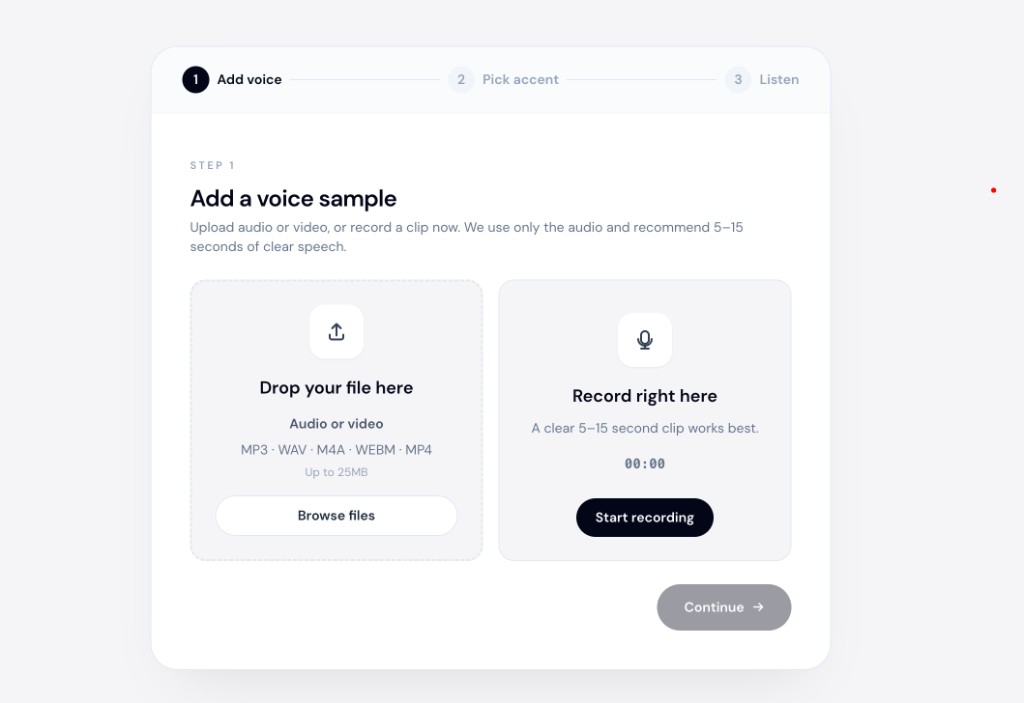
accentchanger.com accepts common video formats and converts the embedded speech track. Download the result and replace audio in your editor.
Step 1: Export or upload the video
Keep the original video file on your timeline. You will only swap the audio lane.
Step 2: Convert accent
Pick American, British, or another target. Preview a 15-second section with visible lips before processing the full file.
Step 3: Reattach without retiming
Import converted audio under the same clip. If duration differs by a fraction of a second, nudge the end — avoid global speed changes unless necessary.
For client-facing demos where sync and clarity both matter, see change accent on Upwork demo videos.
Limits to know
- Not a deepfake lip generator — tools do not repaint mouth pixels; they preserve audio timing
- Heavy background music — can muddy conversion; isolate voice when possible
- Multiple speakers — convert tracks separately for best results
Bottom line
You can convert accent on video and keep lip-sync usable because speech-to-speech keeps your timing intact. Preview close-ups, but most creator videos ship without a full re-shoot.
Test a lip-visible clip at accentchanger.com.