How do I change the accent on an Upwork / client demo video?
Accent Changer Team

Change the accent on an Upwork or client demo video by exporting the speech track, converting it with speech-to-speech AI, and swapping the new audio back into your timeline. Your face and screen recording stay the same — only pronunciation gets clearer for the client's market.
Demo videos are high-stakes and low-budget. You rarely get a second take with perfect lighting, and hiring a voice actor to dub your pitch defeats the purpose. Accent conversion lets you keep your delivery while sounding more familiar to a US or UK buyer reviewing proposals.
Why demo videos need accent polish
Clients skim dozens of pitches. Audio clarity affects trust as much as portfolio shots:
- Upwork profile videos — US and UK clients often prefer easy-to-parse English on first listen
- Loom walkthroughs — screen recordings synced to your narration cadence
- Proposal attachments — short clips explaining approach and timeline
- Case study voiceovers — one recording adapted for different regional prospects
You are not hiding who you are. You are making sure your expertise lands without the listener working overtime on vowels. Creators targeting US viewers often use the same post-production stack described in YouTubers sounding clearer to US audiences.
Step-by-step for client demos
accentchanger.com works on common video and audio formats. The speech track is what converts.
Step 1: Export from Loom, OBS, or your editor
MP4 with a clear voice track is enough. If you recorded in a noisy room, run a light noise reduction first — cleaner input means cleaner output.
Step 2: Choose the client's market
US prospect? Pick American English. UK agency? British English. The change accent online flow at accentchanger.com takes under a minute for a typical two-minute demo.
Step 3: Replace audio in your video
Import the converted MP3 into Premiere, CapCut, or even Loom's re-upload flow. Mute the original voice track and align the new one — duration should match closely with speech-to-speech tools.
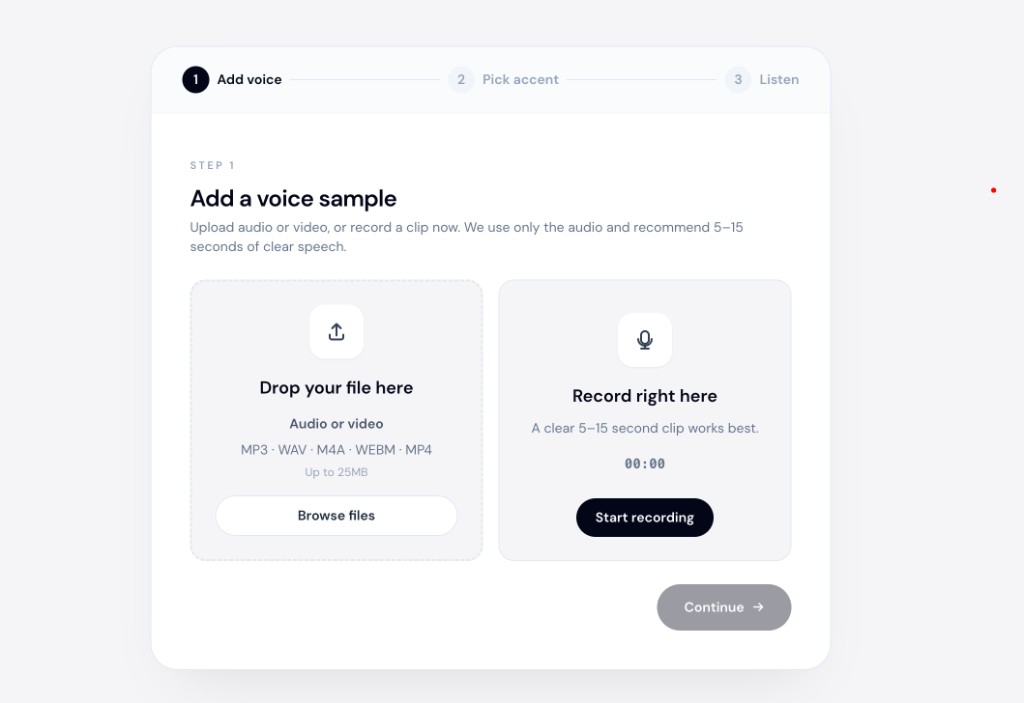
The dedicated video accent changer page covers format tips if you work with longer walkthroughs.
What clients notice — and what they do not
They notice: faster comprehension, confident pacing, fewer "sorry, can you repeat that?" moments on kickoff calls.
They do not notice (when done well): that you used AI post-production instead of growing up in their region. Your timbre and enthusiasm should still read as you.
Common mistakes
- Using TTS — a stranger's voice on your Upwork thumbnail kills credibility
- Converting over keyboard clatter — isolate voice when possible
- Skipping preview — always listen once before sending the proposal link
A speech accent changer that accepts video uploads is the right category — not TTS and not a live gaming filter.
Bottom line
Change accent on Upwork and client demo videos by converting your existing speech track with speech-to-speech AI, then reattaching it to the video. No narrator, no full re-shoot.
Upload your latest demo clip at accentchanger.com and compare before you send the proposal link.