Can I change accent on only part of a podcast episode?
Accent Changer Team

Yes — split, convert, splice. You can change accent on only part of a podcast episode by isolating the segment in your editor, exporting that clip, running it through a speech-to-speech accent converter, and dropping the result back into the timeline. The rest of the episode stays untouched.
That is how working podcasters handle sponsor reads, intros, and "fix this one minute" requests without processing forty minutes of interview audio or re-recording with a guest in the room.
When partial conversion makes sense
Not every episode needs a full pass. Target the slices where accent clarity matters most:
- Host intro or outro — thirty seconds at the top of the show
- Sponsor read — scripted segment for a US or UK buyer; see ad reads for American and British markets for how creators tailor delivery by region
- Solo explainer — you monologuing without guest overlap
- Repurposed clip — one highlight for social, not the full episode
Leave interviews and banter as recorded unless there is a specific reason to convert — less processing means fewer artifacts.
The split-convert-splice workflow
accentchanger.com works on short clips as well as long files. Export only what you need.
Step 1: Mark the segment in your DAW
In Audacity, Descript, Hindenburg, or Reaper, select the host-only region. Avoid sections with guest overlap or music beds under voice.
Step 2: Export and convert
Save the selection as a standalone file. Upload to accentchanger.com, pick your target accent — American, British, or another profile — preview, and download.
Step 3: Import and align
Place the converted clip on a new track lined up with the original start point. Mute or delete the old slice. Crossfade a few milliseconds if the cut feels abrupt.
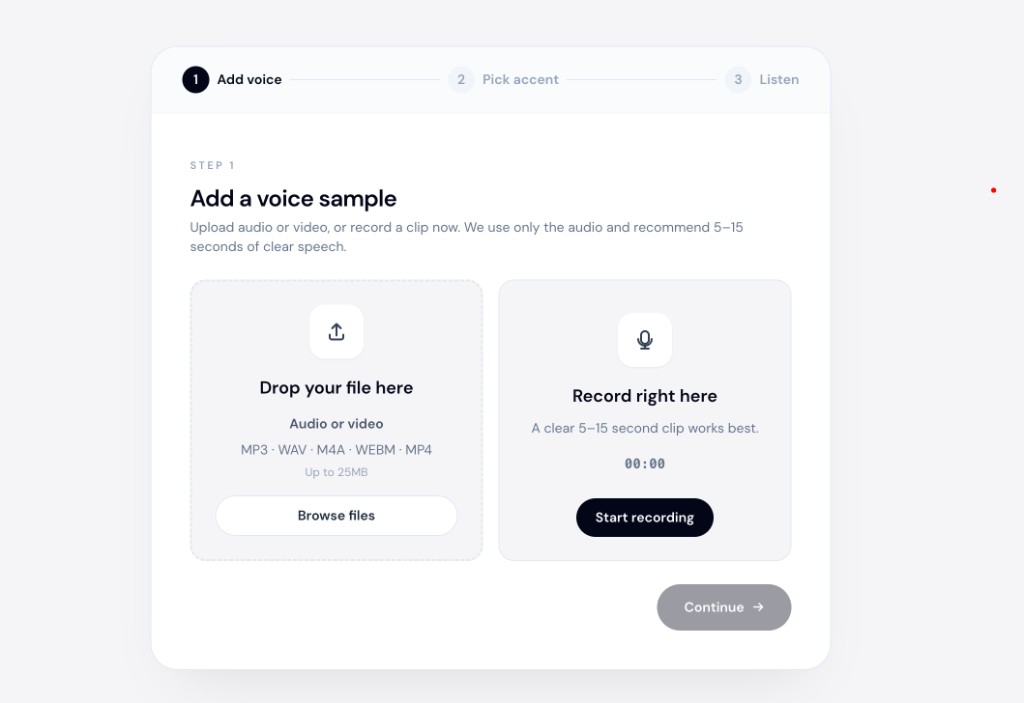
The audio accent changer workflow is the same whether you convert sixty seconds or sixty minutes — partial episodes are just smaller exports.
Throughout, the aim is to change accent and keep your voice, not swap in a narrator.
Avoiding audible seams
- Match loudness — normalized converted audio should sit at the same level as surrounding speech
- Room tone — if you cut tight, a tiny room-tone pad under the join can hide the edit
- Guest overlap — never convert a stem with two speakers; split host-only first
For full-episode context, see how podcasters change accent after recording — partial conversion is the refined version of that workflow.
What not to do
- Convert the whole mix — music and guest bleed confuse the model
- Stretch audio to fit — if duration shifted, re-convert from a cleaner source instead of time-warping
- Process the same slice twice — one pass per target accent is enough
Bottom line
Change accent on only part of a podcast episode by exporting that segment, converting with speech-to-speech AI, and splicing it back. The interview stays raw; the intro or ad read gets polished.
Isolate your next sponsor read and test at accentchanger.com.