Will accent conversion on calls make me sound robotic?
Accent Changer Team
It can — especially in live call setups. Robotic sound usually comes from how audio is processed under time pressure, not from "accent change" as a concept. A rushed real-time pipeline on a congested network will flatten emotion and add metallic artifacts. A careful post-production pass on a clean recording often sounds much more human.
Understanding why helps you pick the right tool and set realistic expectations.
What "robotic" actually sounds like
Listeners describe robotic accent output when they hear:
- Flat intonation — every sentence ends the same way
- Smeared consonants — "t" and "k" lose crispness
- Phasey or underwater tone — classic sign of aggressive denoising plus resynthesis
- Laggy rhythm — you pause, but the processed voice keeps talking or arrives late
These issues show up in bad TTS, bad voice changers, and bad real-time accent filters alike. The common thread is the model had too little time or too dirty a signal, not that changing accent is impossible.
Why live calls make it worse
Real-time accent conversion on Zoom, Teams, or a phone call must:
- Capture audio in small chunks (tens of milliseconds)
- Run inference before the next chunk arrives
- Send output back without noticeable delay
When step 2 runs out of budget, products crank compression, shrink model size, or skip prosody detail. You sound "processed." Add meeting-platform noise suppression on top — Zoom's built-in filter plus a third-party accent layer — and you get double processing.
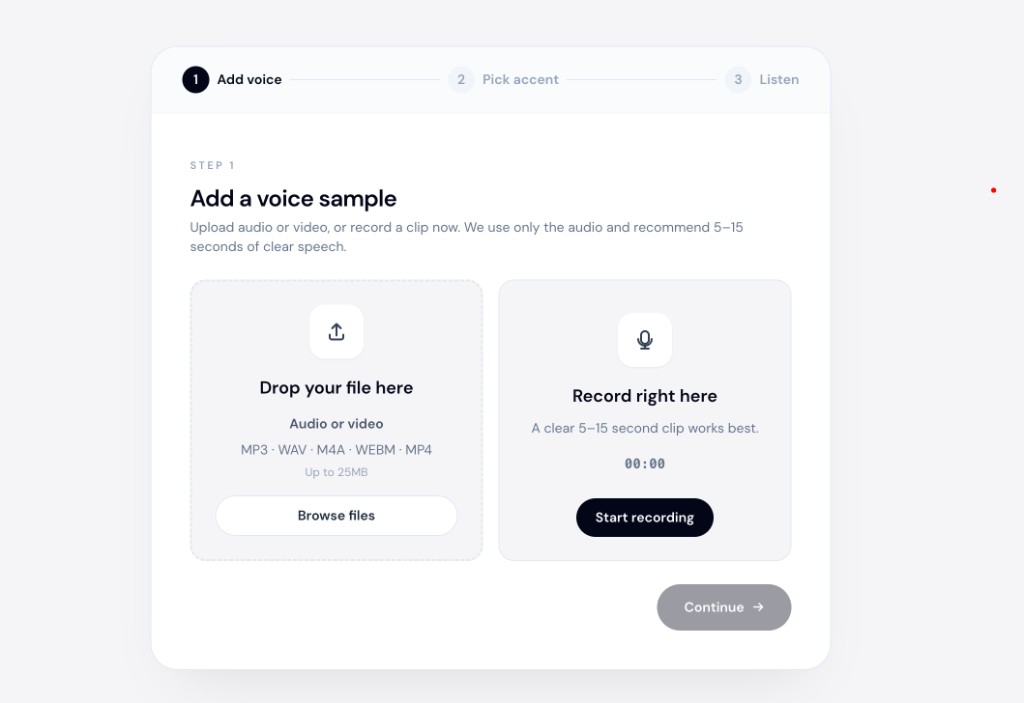
Post-production avoids that race. Tools like accentchanger.com work on a complete clip: upload or record, convert, listen, and re-run if needed. No one is waiting on the other end of the line.
Accent conversion vs voice replacement
Robotic results often mean you are in the wrong category:
| Approach | Robotic risk | Why |
|---|---|---|
| Text-to-speech | High | New voice reads your script; not your performance |
| Celebrity voice clone | High | Identity swap, not accent shift |
| Speech-to-speech accent conversion | Lower (when done offline) | Reshapes pronunciation; keeps timbre and pacing |
If you want to change accent and keep your voice, speech-to-speech post-production is the right frame.
Tools marketed as voice accent changers sometimes mean TTS — read the workflow before you upload.
How to sound more natural
On live calls (if you must)
- Use wired internet and a decent mic; skip Bluetooth if latency spikes
- Disable duplicate noise suppression in the meeting app
- Start with subtle accent strength; aggressive settings sound more synthetic
- Tell collaborators you are testing — feedback beats guessing
In post-production (recommended)
- Record in a quiet room; room echo confuses any AI
- Keep clips under a few minutes for first tests; iterate on short samples
- Listen for whether you still recognize your laugh, emphasis, and pace
- Use an AI accent changer workflow where you can download and compare takes
accentchanger.com is file-based for this reason: creators and professionals judge quality before publishing, not while a client listens live.
When robotic output is a dealbreaker
If your job depends on trust — sales, therapy, executive communication — a glitchy live filter can cost more than a mild accent. Post-production lets you keep the human take and only ship audio you have approved.
For call-center or support teams, the same logic applies: train on converted sample calls offline before rolling any live pilot. See AI accent change for call-center agents for a rollout pattern.
Bottom line
Accent conversion on calls can sound robotic when latency, double denoising, and weak source audio stack up. Offline conversion on a recording — preview, tweak, download — usually sounds more like you and less like a filter.
Try a 30-second clip at accentchanger.com before committing to any live setup. If the file sounds natural, you know the model is capable; if live still fails, the bottleneck is the call pipeline, not accent change itself.