Can I localize a course voiceover to British English without re-recording?
Accent Changer Team

Yes. You can localize a course voiceover to British English without booking a second recording session. Export your lesson narration, run it through a speech-to-speech accent converter with British English as the target, and replace the audio on your slides or video timeline. Same instructor, same script, different pronunciation profile.
Course creators often record once in their natural English, then discover UK learners, Udemy regional listings, or corporate clients want a British-sounding version. Re-recording ten hours of lessons is brutal. Converting the files you already have is not.
What "localize" means here
This is accent localization, not full translation:
- Same language — English stays English
- Same words — no script rewrite unless you choose to
- Same voice identity — your timbre and teaching rhythm carry over
- Different delivery — vowels and intonation shift toward British English
If you need a different language entirely, that is translation plus dubbing — a separate workflow. For "sounds British but still me," speech-to-speech is the right tool.
Course voiceover workflow
accentchanger.com is built for file-based conversion: upload lesson audio, pick British English, preview, download, and drop the file back into Teachable, Thinkific, or your video editor.
Step 1: Export lesson stems
Pull narration without background music when possible. One file per lesson keeps versioning simple — lesson-03-us.mp3 becomes lesson-03-uk.mp3.
Step 2: Convert to British English
Select the British accent changer profile. Listen for naturalness on technical terms and acronyms; most handle well, but preview a dense lesson before batch processing.
Step 3: Publish the UK track
Swap audio on your course platform or offer a regional audio toggle. Some creators label it "UK English narration" so students know what they are getting.
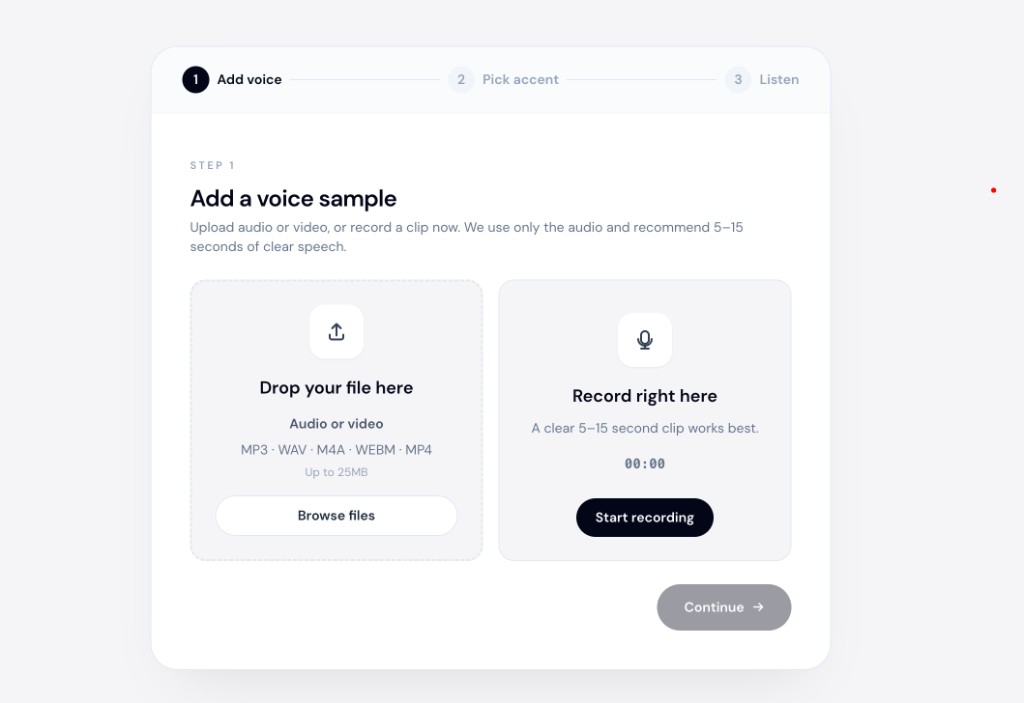
The change accent and keep your voice approach matters here — students enrolled for your teaching style should still hear you, not a generic narrator.
Why not TTS for course localization?
Some creators paste lesson scripts into TTS platforms like ElevenLabs and pick a British voice. That works when you have no recording yet — but if you already performed the lesson, TTS replaces your pacing, emphasis, and instructor warmth with a stock narrator reading flat text.
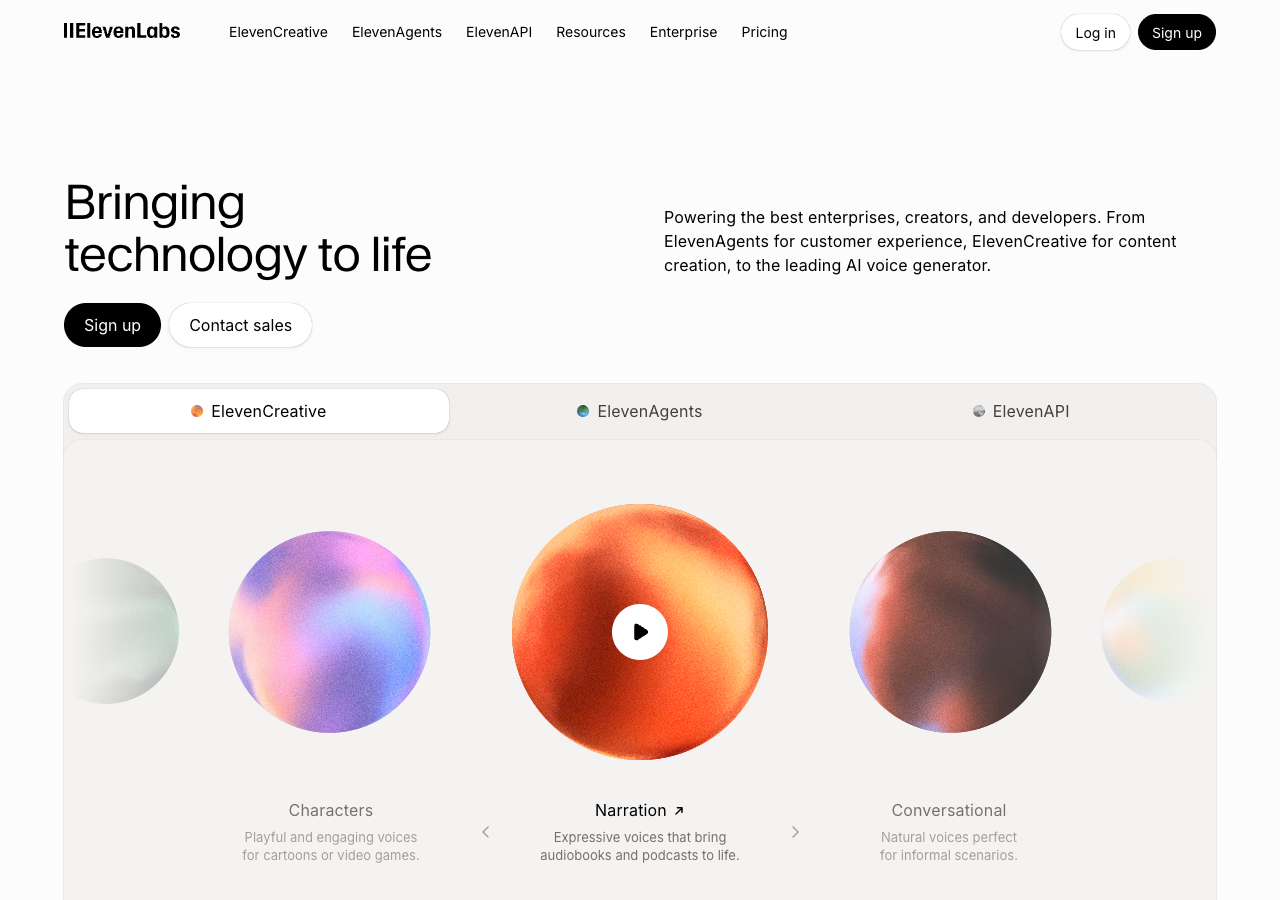
Speech-to-speech conversion keeps your teaching performance and shifts only the pronunciation profile.
Batch tips for long courses
- Test one module first — pick a lesson with jargon and pauses
- Keep naming consistent — suffix files
-ukor-british - Level-match — normalized loudness across lessons feels professional
- Spot-check transitions — intro music beds may need a trim if duration shifts slightly
When re-recording still makes sense
Re-record if the script itself must change for UK spelling references, cultural examples, or compliance wording. Accent conversion handles how you sound, not what you say.
For the identity question in more detail, see AI accent changer that keeps your voice.
Bottom line
Localizing course voiceover to British English without re-recording is straightforward: export narration, convert with speech-to-speech AI, re-import. You skip the studio while keeping your instructor voice.
Start with one lesson at accentchanger.com. For American and British ad-read strategy, see ad reads for different markets.