How do I change Filipino English to clearer American English in recordings?
Accent Changer Team

Upload your recording, choose American English, and let speech-to-speech AI reshape the pronunciation — that is the straightforward way to change Filipino English to clearer American English in recordings. You keep your timbre, pacing, and script; the tool adjusts vowels, consonants, and intonation toward US norms.
Filipino English is widely understood globally, but US clients, students, and podcast listeners sometimes want a more neutral American delivery — especially in BPO training samples, remote work demos, e-learning, and creator content. An American accent changer built for speech-to-speech conversion handles that in post-production, without asking you to re-record.
What "Filipino English" means for conversion
English in the Philippines has its own rhythm and sound patterns: syllable-timed stress, distinct vowel qualities, /p/–/f/ and /b/–/v/ distinctions in some speakers, and intonation shapes influenced by Tagalog or regional languages. American ears often register those as "accent" even when comprehension is high.
Accent conversion does not erase identity — it gives you a US-targeted version of the same take when the audience or platform expects General American clarity.
What should stay the same
- Your voice — not a stock narrator
- Your words — same English, adjusted delivery
- Timing — pauses and emphasis from the original performance
- Emotion — warmth, urgency, or calm you brought to the mic
If the output sounds like a different person reading a script, you are likely in text-to-speech territory, not accent conversion.
Common use cases
- Call-center or customer-success training reels aimed at US managers
- YouTube explainers and course modules for American subscribers
- Podcast clips where you want a neutral US version of an existing episode
- Freelance portfolio audio on Upwork or similar platforms
When the content is right and only delivery needs a nudge, converting beats scheduling another session.
How to change Filipino English recordings to American English
accentchanger.com runs in the browser: record or upload, pick American English, preview, and download MP3.
Step 1: Use a clean source file
Quiet room, minimal echo, no background music on the speech track. Thirty to ninety seconds is enough for a quality check. Video uploads work — the tool processes the speech audio.
Step 2: Select American English
You are not translating Tagalog or rewriting the script. The AI reshapes pronunciation on your existing English recording.
Step 3: Preview and download
Listen for natural vowels and whether you still recognize yourself. If consonants feel off, try a shorter clip or a cleaner take.
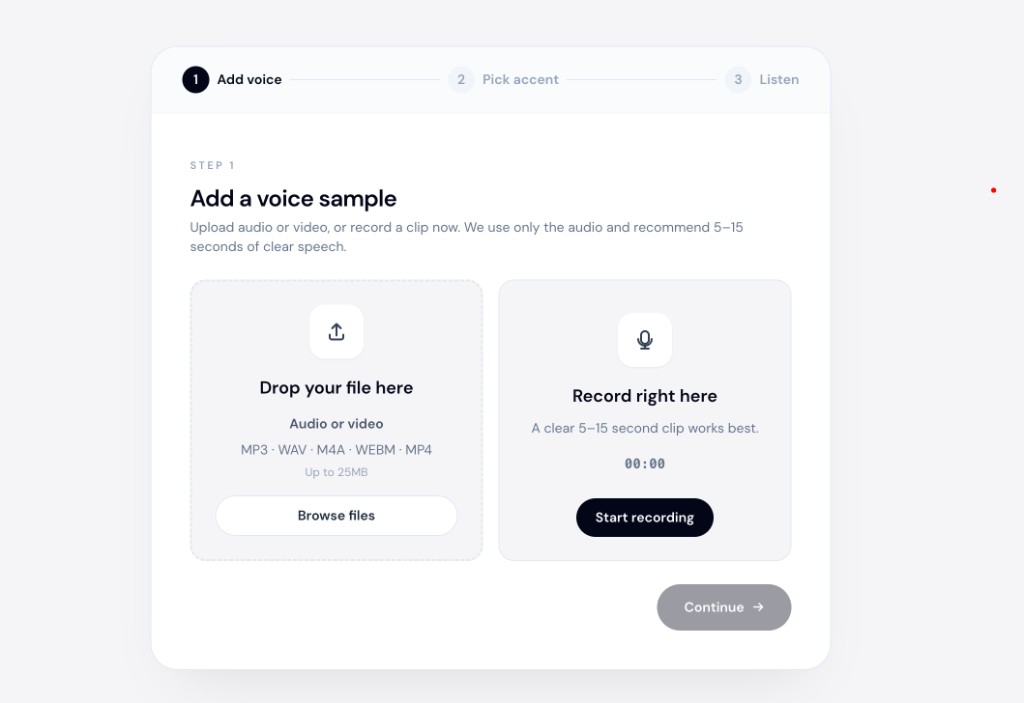
The American accent changer page covers the same in-browser workflow with examples for English recordings aimed at US audiences.
What to avoid
- TTS when you already performed the take — you lose your delivery. Voice generators like ElevenLabs are built for text input, not reshaping your existing audio.
- Noisy open-office recordings — BPO floor ambience makes any AI struggle.
- Expecting real-time call conversion — browser tools process files, not live phone audio.
Bottom line
To change Filipino English to clearer American English in recordings, convert your existing audio with speech-to-speech accent AI. Target American English, preview the result, and use the US version where your audience expects it.
Try a short sample at accentchanger.com. For a broader overview of browser-based conversion, see the online accent changer page.