Does accent conversion keep my tone, emotion, and speaking style?
Accent Changer Team
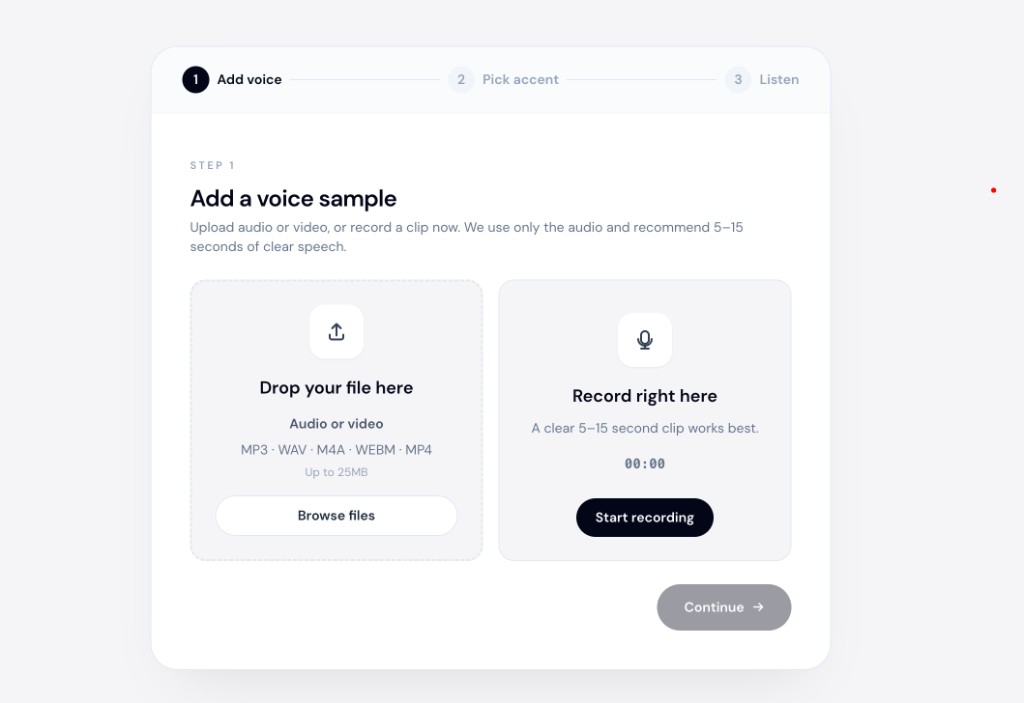
Yes — that is the goal of speech-to-speech accent conversion. Good tools do not just swap vowel sounds. They try to carry your timing, emphasis, warmth, urgency, and conversational rhythm into the converted file. You should still feel like the same speaker — only with pronunciation shaped toward a target accent.
This is why accent conversion differs from text-to-speech. TTS reads a script in a narrator's default style. It cannot reproduce the subtle frustration in your pause before "however," or the excitement in your faster closing sentence. Converting your recording gives the model those cues to preserve.
What "tone, emotion, and style" mean in practice
Listeners pick up identity from more than pitch:
- Tone — formal vs casual, friendly vs neutral
- Emotion — enthusiasm, concern, confidence, humor
- Speaking style — fast vs measured, lots of pauses vs continuous flow
- Emphasis — which words you stress and how strongly
Accent conversion should touch pronunciation while leaving these performance choices intact. Think of it as remastering delivery, not re-casting the speaker.
What typically carries over
| Element | Usually preserved? | Why |
|---|---|---|
| Pauses and rhythm | Yes | Copied from your waveform timing |
| Word emphasis | Mostly | Stress patterns follow your original |
| Emotional energy | Mostly | Prosody is tied to your performance |
| Timbre | Yes | Core vocal identity stays |
| Vowel/consonant shapes | No — this is the point | Shifted toward target accent |
If any row in the "preserved" column fails badly, check source audio quality before blaming the accent model.
What can slip
No tool is perfect. Watch for these edge cases:
- Heavy reverb or music — the model may smooth dynamics and flatten emotion.
- Whispered or shouted passages — extreme dynamics are harder to map cleanly.
- Very accented source + distant target — larger pronunciation jumps can sound slightly "processed."
- Multiple speakers on one track — tools expect a single clear voice.
For podcast intros, course lessons, and client demos, a clean 30–90 second take is usually enough to judge whether your style survived.
Accent conversion vs TTS for emotional delivery
| Speech-to-speech conversion | Text-to-speech | |
|---|---|---|
| Input | Your recording | Written script |
| Your timing | Preserved | Generated |
| Your emotion | Largely preserved | Guessed from punctuation |
| Accent change | On your voice | On a stock voice |
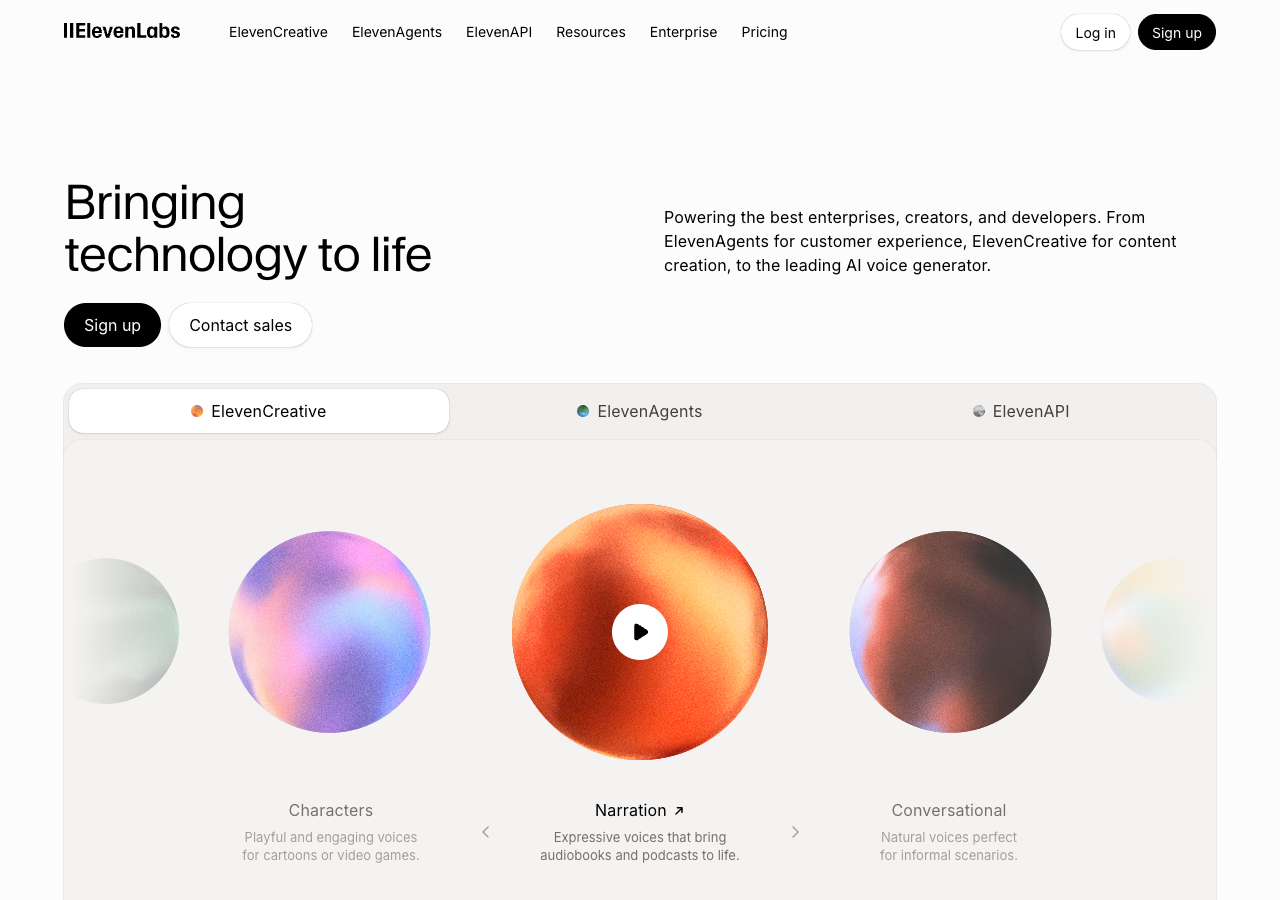
Platforms like ElevenLabs excel at generating polished narration from text — but that is a different job. When you pick a voice profile and paste a script, you get a new performance, not your original one with adjusted vowels. If tone and emotion matter — and they almost always do — convert the recording you already performed.
How to test on your own clip
- Record a sentence with obvious emotion (e.g., excitement or concern).
- Convert toward your target accent.
- A/B listen: same energy? same pauses? same emphasis?
accentchanger.com runs this workflow in the browser — upload or record, select an accent, preview, download MP3. No install required.
The change accent and keep your voice page describes the same identity-first approach: pronunciation adapts, character stays.
Practical tips
- Read naturally; do not over-enunciate for the mic.
- Keep background noise low so prosody is not masked.
- Compare two accent targets if one sounds flatter — sometimes a closer profile retains more style.
Bottom line
Accent conversion should keep your tone, emotion, and speaking style because it starts from your performance, not a generic narrator. When those qualities disappear, the culprit is usually TTS, cloning, or poor source audio — not the concept of accent change itself.
Upload a short emotional sample at accentchanger.com and listen for whether you still sound like you. For the full workflow, see the speech accent changer page.