Online mic capture
Record the line you need to convert without another app.

Accent converter online
Convert accents directly in the browser and compare original vs transformed audio before downloading.
Accents
13+
Formats
Audio & video
Typical time
30–90s
How it works
Browser-based capture, accent selection, side-by-side preview, and MP3 export.
Load audio into the online accent converter — file or live recording.
Set the accent you want the online pass to produce.
A/B listen in-browser, then download the converted MP3.
Upload audio or video, or record a clip now. We use only the audio and recommend 5–15 seconds of clear speech.
Audio or video
MP3 · WAV · M4A · WEBM · MP4
Up to 1GB
A clear 5–15 second clip works best.
Built for voice identity
Browser capture, conversion, transcript, preview, and MP3 export in one online session.
Record the line you need to convert without another app.
Convert files already on your device or cloud drive.
Online output should still sound like the source speaker.
Switch conversion target in the online picker.
Validate wording before converted audio downloads.
Online converter does not translate speech.
Online conversion
Fast online conversion for drafts, pitches, and internal sign-off.
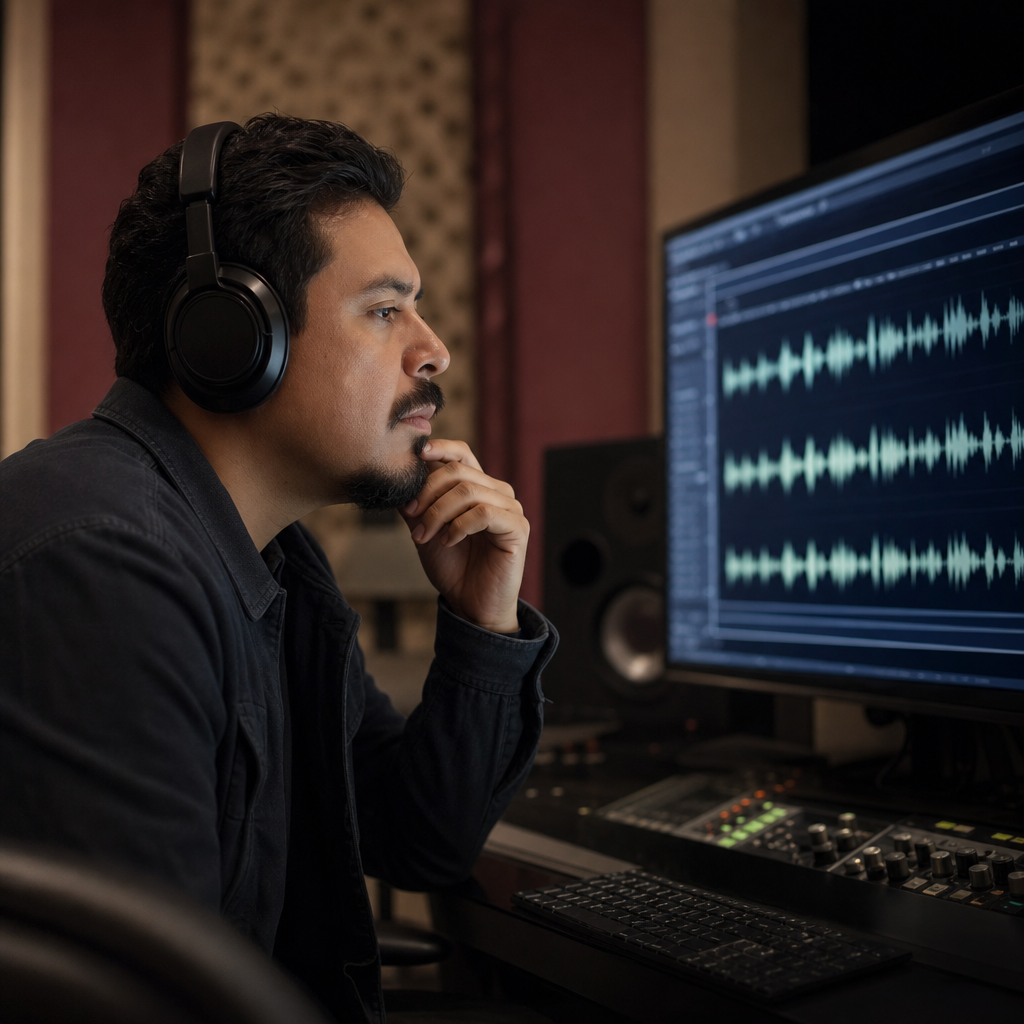
Send clients an online accent preview before final mix.

Convert tracks on a machine without your full plugin suite.

Refresh onboarding audio for regional offices online.
Convert announcement audio for different English regions quickly.
Instant preview
Convert accent in the browser and compare original vs transformed audio before you download — no desktop converter app required.

Collaboration
An accent converter online fits review cycles — stakeholders hear the converted clip without installing tools.

FAQ
Yes — use an accent converter online in your browser with no desktop app required.
Online conversion: upload or record speech, pick an accent, preview side-by-side, download MP3.
The online converter changes accent only — not language or script.
Online conversion preserves speaker identity while reshaping accent delivery.
Select British, American, Australian, and other profiles in the online converter.
Upload audio or video with speech online. Video audio tracks are extracted for conversion.
Compare original and converted audio in the browser before download.
Many mobile browsers support the online converter for upload and recording.
Try the online accent converter free. Usage limits may apply.
Files sent through the online converter are processed remotely. Use non-confidential samples when testing.
Ready when you are
Convert accent in the browser and preview the result before you download.
Open the accent toolRelated accent tools: