Your voice, refined
Native-sounding delivery without a different speaker.

Sound like a native speaker
Hear how your speech could land with native pronunciation patterns while preserving your vocal identity and original language.
Accents
13+
Formats
Audio & video
Typical time
30–90s
How it works
Record or upload, choose a native accent profile, preview the result, download MP3.
Add an audio or video file, or record a short sample of clear speech directly in your browser.
Pick British, American, Australian, or another native accent profile — without switching the language you spoke.
Compare the result, review the transcript, and export your accent-changed audio as an MP3.
Upload audio or video, or record a clip now. We use only the audio and recommend 5–15 seconds of clear speech.
Audio or video
MP3 · WAV · M4A · WEBM · MP4
Up to 1GB
A clear 5–15 second clip works best.
Built for voice identity
Accent adaptation toward native profiles with voice identity, transcript preview, and MP3 export.
Native-sounding delivery without a different speaker.
American, British, Australian, and more.
Sounds more native — does not translate.
Use existing recordings or video speech tracks.
Confirm clarity before you download.
Capture a fresh sample to process.
Who it's for
Practice, content, and professional audio — without losing speaker identity.

Hear how interview answers could sound with native delivery.
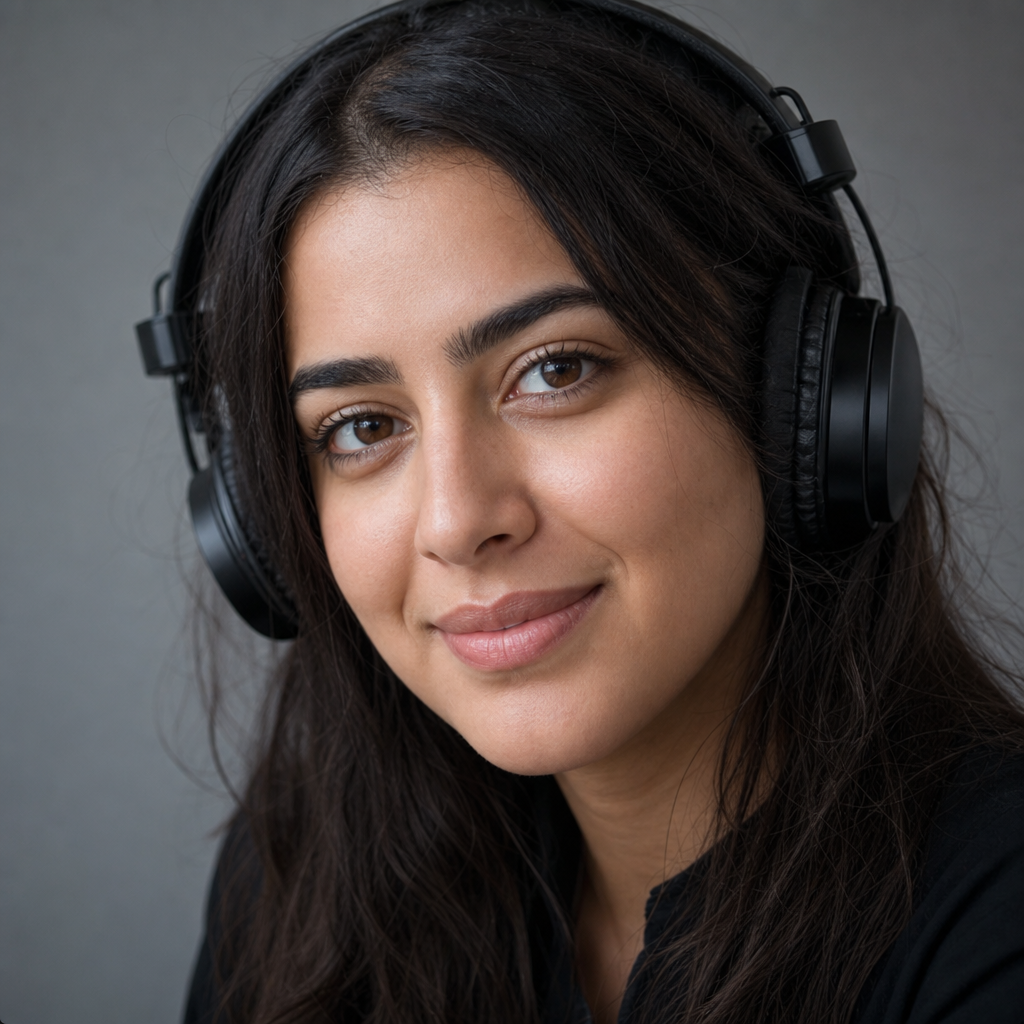
Make lesson audio easier for international students to follow.

Adapt recordings for a new regional audience while staying recognizable.
Experiment with native delivery on personal projects.
Goal
Sound like a native speaker in the sense of clearer pronunciation patterns — not by replacing your voice with someone else's.

Reality check
Use generated native-sounding audio as a reference, draft, or publishable clip — paired with your own speaking practice.

FAQ
Add a recording or capture speech in-browser, choose a target accent, and the native delivery tool transcribes, models your voice, and returns clearer native delivery — identity and language preserved.
No. The native delivery tool is not a translator. Your spoken language and wording stay intact; only accent and pronunciation patterns adapt.
Yes. The native delivery tool preserves timbre and speaker identity while shifting accent delivery — not a stock voice or impersonation tool.
The native delivery tool can target American, British, Australian, Irish, Scottish, Canadian, Indian, South African, and several European English delivery profiles.
The native delivery tool accepts MP3, WAV, M4A, WEBM, and video with speech audio. Clear 5–15 second clips work best.
Yes — use the built-in recorder in the native delivery tool flow after granting microphone access.
Most short clips in the native delivery tool finish in 30–90 seconds. Preview before downloading.
Yes — try the native delivery tool free in your browser. Usage limits may apply at peak demand.
Confirm your rights before publishing native delivery tool output in ads, products, or client work.
Audio processed by the native delivery tool is used for accent conversion. Avoid confidential material unless you accept remote processing.
Ready when you are
Upload your recording and preview native-sounding delivery with your own voice.
Open the accent tool